A flat BMW X5 key battery announces itself politely, then gets steadily more annoying. The doors stop unlocking as you walk up. The remote only works from a couple of metres. Eventually the cluster puts a warning in front of you.
That warning is almost always a dead coin cell rather than anything serious.
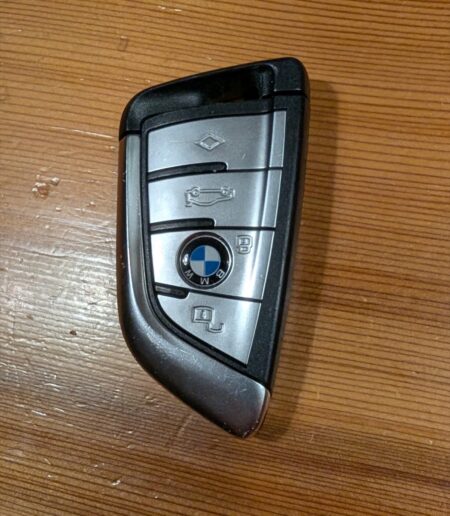
The dealer will happily change it. It also takes about five minutes at the kitchen table, with no tools, for the price of a coin cell.
The warning that starts it
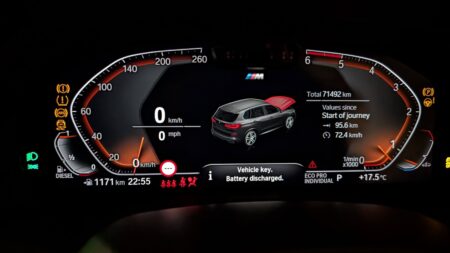
The cluster message is short: “Vehicle key. Battery discharged.”
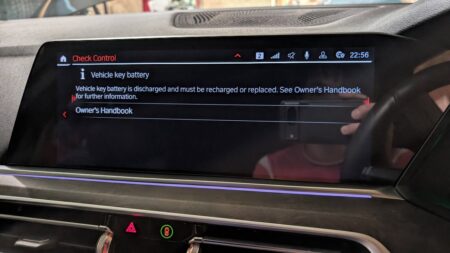
Open Check Control on iDrive, plus the full entry explains that the key battery is discharged, then points you at the Owner’s Handbook.
What you need
- One CR2032 lithium coin cell, 3V
- A plastic trim tool, if you want one
That is the entire list. My fingernails were enough to open the case, so the trim tool stayed in the drawer.
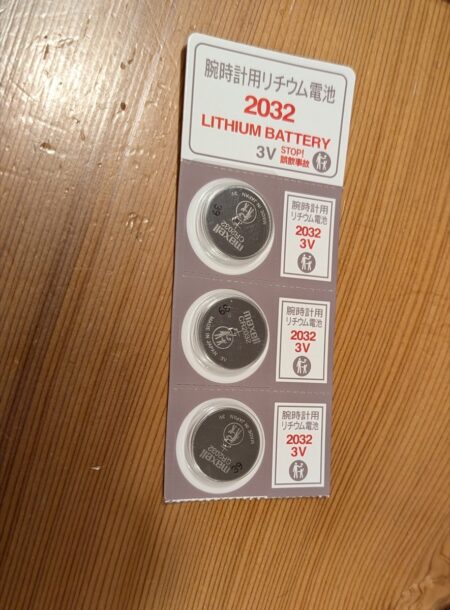
The Japanese packaging reads “lithium battery for watches, 2032, 3V”. Watch cells are the same CR2032 part.
Any brand works. I used a three-pack of Maxell because it was cheaper per cell than buying one.
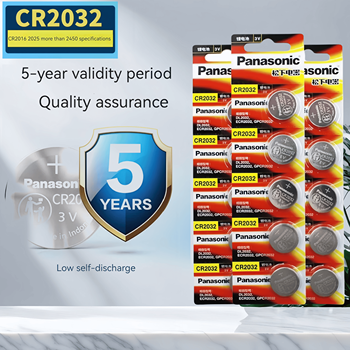
If you would rather stock up properly, Panasonic sells the same CR2032 in multipacks on AliExpress, in sizes from five cells up to a hundred. The cell that came out of my key was a Panasonic, so a strip of them felt like the sensible thing to keep in the drawer.
Replacing the BMW X5 key battery
1. Pull out the mechanical key
Press the slide catch on the side of the fob, then draw the emergency blade straight out.
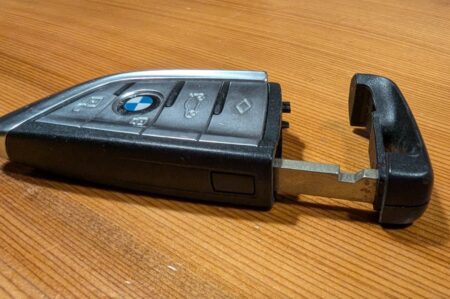
On the G05 it slides out smoothly. If you are forcing it, the catch is not fully pressed.
2. Pop the cover off
The slot the blade came out of doubles as the release for the battery cover.
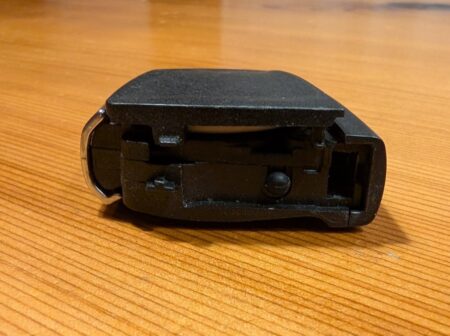
Put a fingernail or a flat tool into the slot, then lift gently. The cover is held by plastic clips, so it needs almost no force.
3. Swap the cell, plus side up
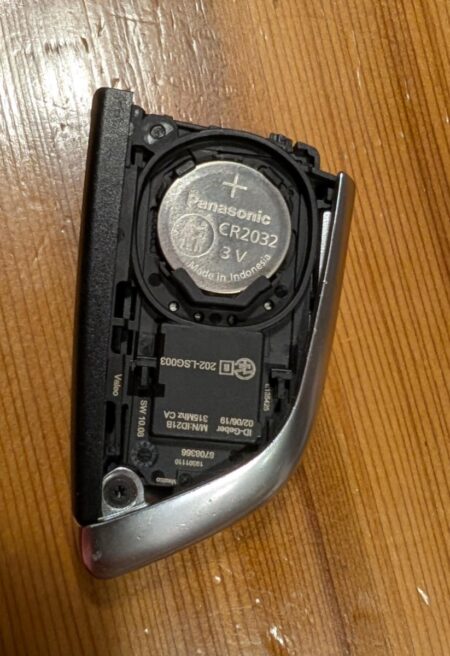
Mine had a Panasonic CR2032 in it, which seems to be what BMW fits from the factory.
Note the orientation before you lift the old one out. The plus face points up, towards the side with the BMW roundel, not towards the cover. You can see the + marking in the photo.
Drop the new cell in the same way round.
4. Click it back together
Press the cover until it clicks, then push the mechanical blade home until the catch snaps.
Test the buttons before you walk away.
Things that trip people up
- Orientation is the big one. Plus face up. Fitted the other way, the key simply does nothing
- Try not to handle both faces of the new cell with bare fingers. Skin oil on the contacts causes poor connections, plus faster self-discharge. Hold it by the edge
- Tape over the old cell before you bin it. Most electronics shops have a coin-cell recycling box
- If the remote is dead after the swap, press a button two or three times to wipe the contacts. Still nothing means the cell is in upside down
Wrapping up
Five minutes, no tools, one coin cell. A dealer visit for this can run into the thousands of yen once labour is added, which makes the BMW X5 key battery one of the easiest jobs to claw back.
Buy CR2032 cells in a multipack — the Panasonic strips on AliExpress go from five cells up to a hundred. The next warning is a year or two away, plus every other remote in the house takes the same cell.
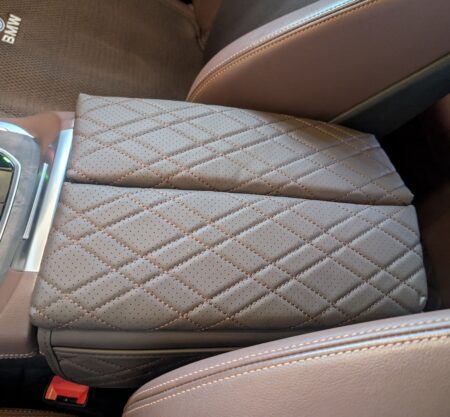
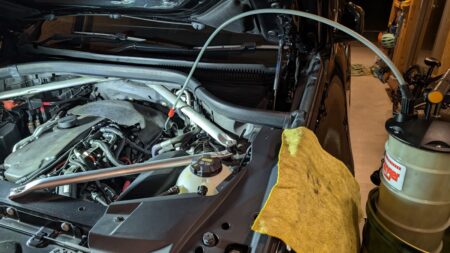
If you like cheap five-minute wins on the X5, the fitted armrest cover I bought on AliExpress was another ¥2,000 well spent. At the other end of the scale, the B57 oil change is still a job I do at home.
This article is also available in Japanese.