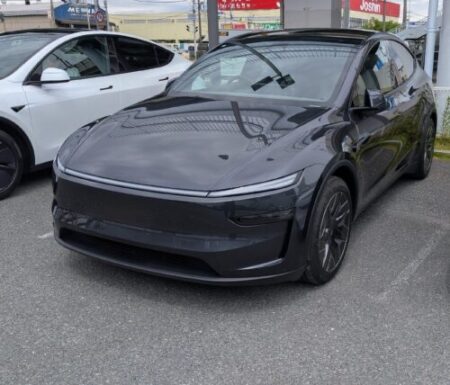
Software update 2026.26.6.1 just landed on my Tesla Model YL.
During the first OTA update, the download took about an hour and a half on my home Wi-Fi.
This time I couldn’t wait until I got home, so I handled the Tesla OTA update over tethering from my phone while I was out driving. Here is how long the download plus the install took, along with what is in the release notes.
If you missed it, here is my post on the Model YL’s first OTA update.
Tesla OTA Update Over Tethering: About 40 Minutes
A little while after I headed out, a green down arrow showed up at the top of the screen. That’s the sign a download is in progress.
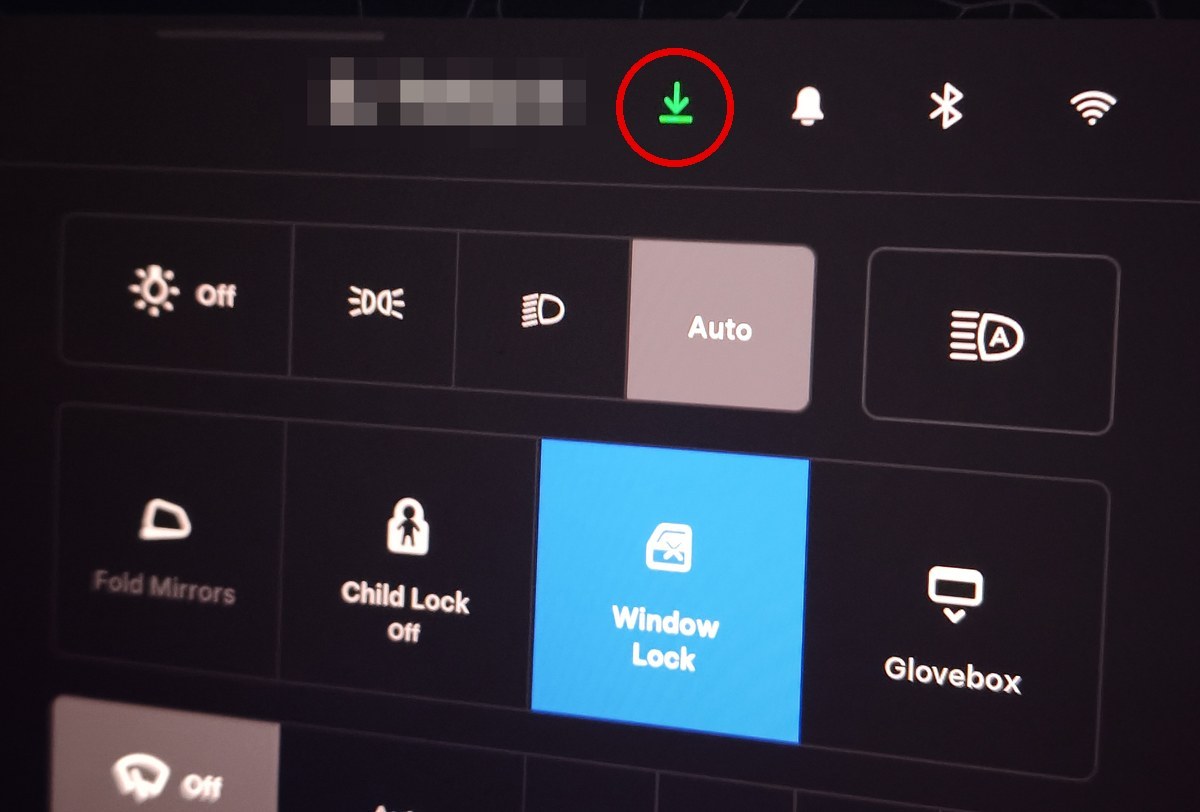
The Wi-Fi icon was on too, meaning the car was connected to my phone’s hotspot.
The Tesla app showed the download at 66%, less than 20 minutes after I connected.
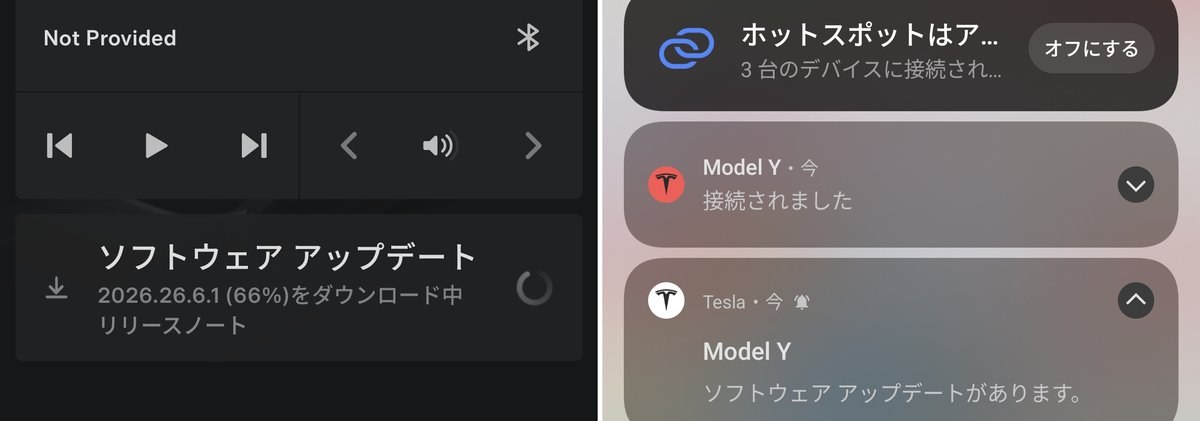
The screens (in Japanese) read: Downloading 2026.26.6.1 (66%) in the app. The phone notifications say the hotspot is connected to 3 devices, then the Model Y reports a software update is available.
About 25 minutes later, my phone got the “software update available” notification. Download done.
That’s roughly 40 minutes from start to finish, much quicker than the 90 minutes it took on home Wi-Fi last time.
How Much Mobile Data Did It Use?
I think I burned through about 5 GB of tethering data that day.
My phone runs on Japan Communications’ Reasonable 50GB plan, which costs ¥2,178 a month (approx. $15). There is plenty of headroom, so I didn’t think twice, but I may have overdone it this time.
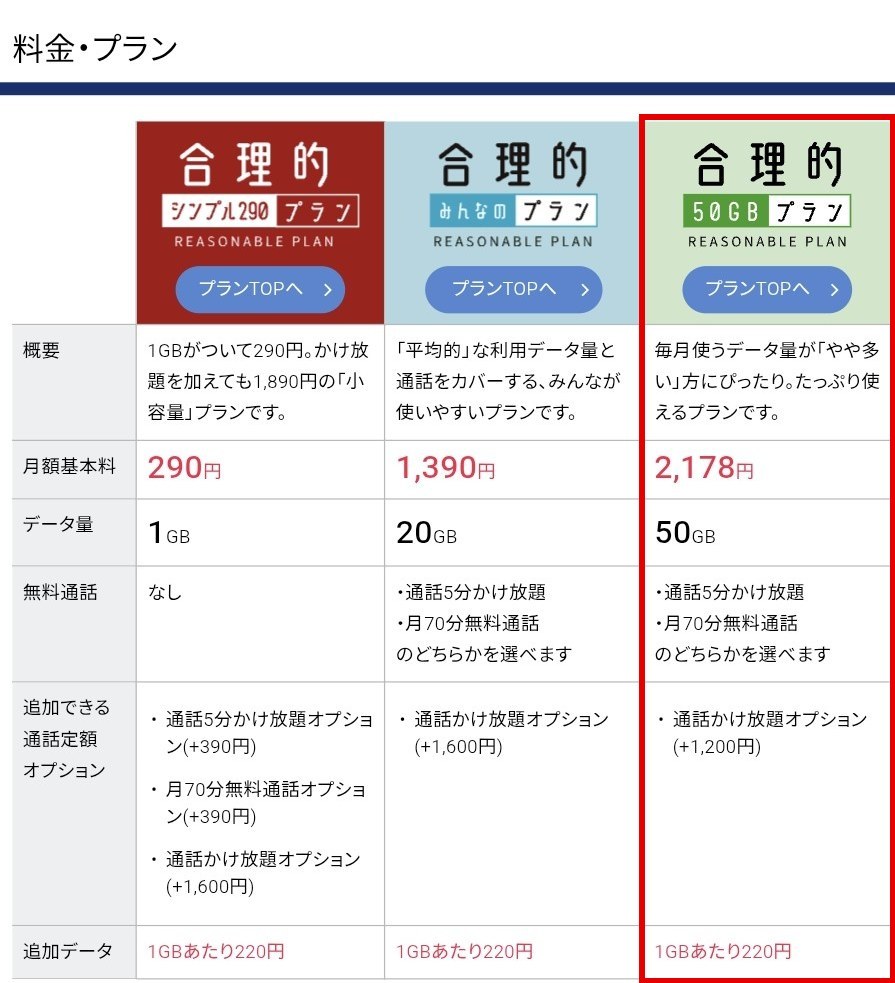
The price table (in Japanese) lists three plans: 1 GB for ¥290, 20 GB for ¥1,390, plus the 50 GB plan for ¥2,178 (approx. $15), outlined in red.
On top of that, you get to pick one call perk: unlimited 5-minute calls, otherwise 70 free call minutes a month. With 50 GB plus calls at that price, I honestly think it’s unbeatable.
The Install Estimate Was 40 Minutes
When I got home, the car screen was offering to install the update. The estimate was about 40 minutes, shorter than the 55 minutes last time.
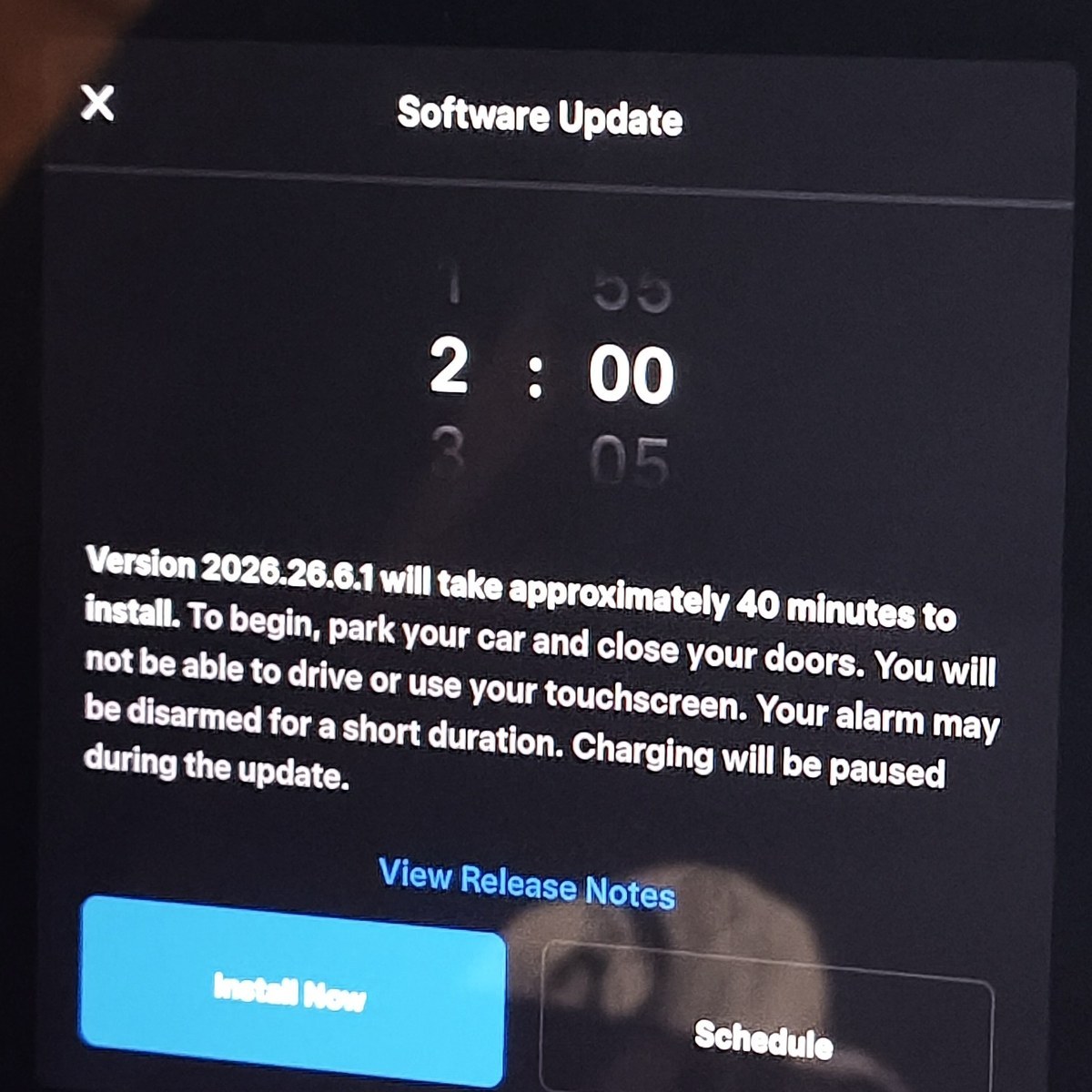
The app asked the same question, so I tapped yes. A 2-minute countdown runs before the install starts, and you can still cancel during it.
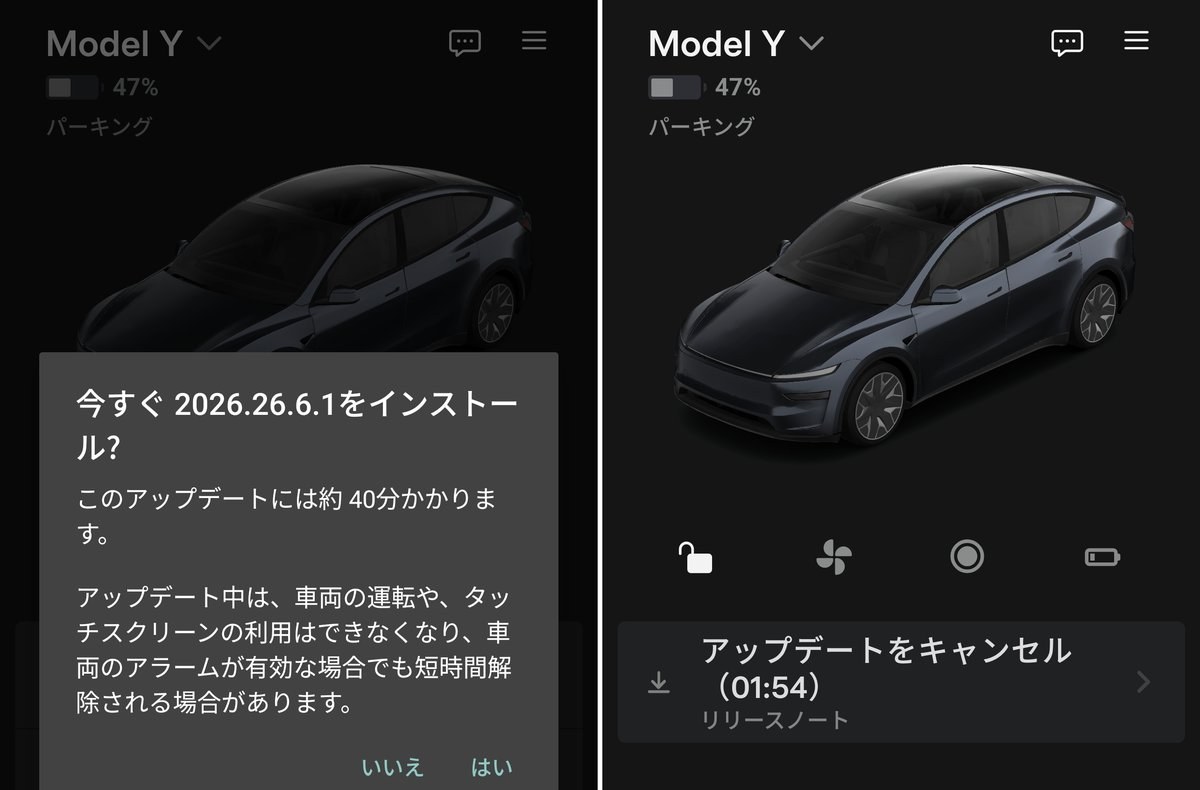
The screens (in Japanese) read: Install 2026.26.6.1 now? This update takes about 40 minutes. You can’t drive or use the touchscreen during the update. The right side shows Cancel Update with 01:54 left.
Around 15 minutes in, it had reached 60%.
About 50 minutes after it started, I checked the app again. The release notes already showed 2026.26.6.1. I didn’t see the exact moment it finished, but it seems to have wrapped up right on schedule.
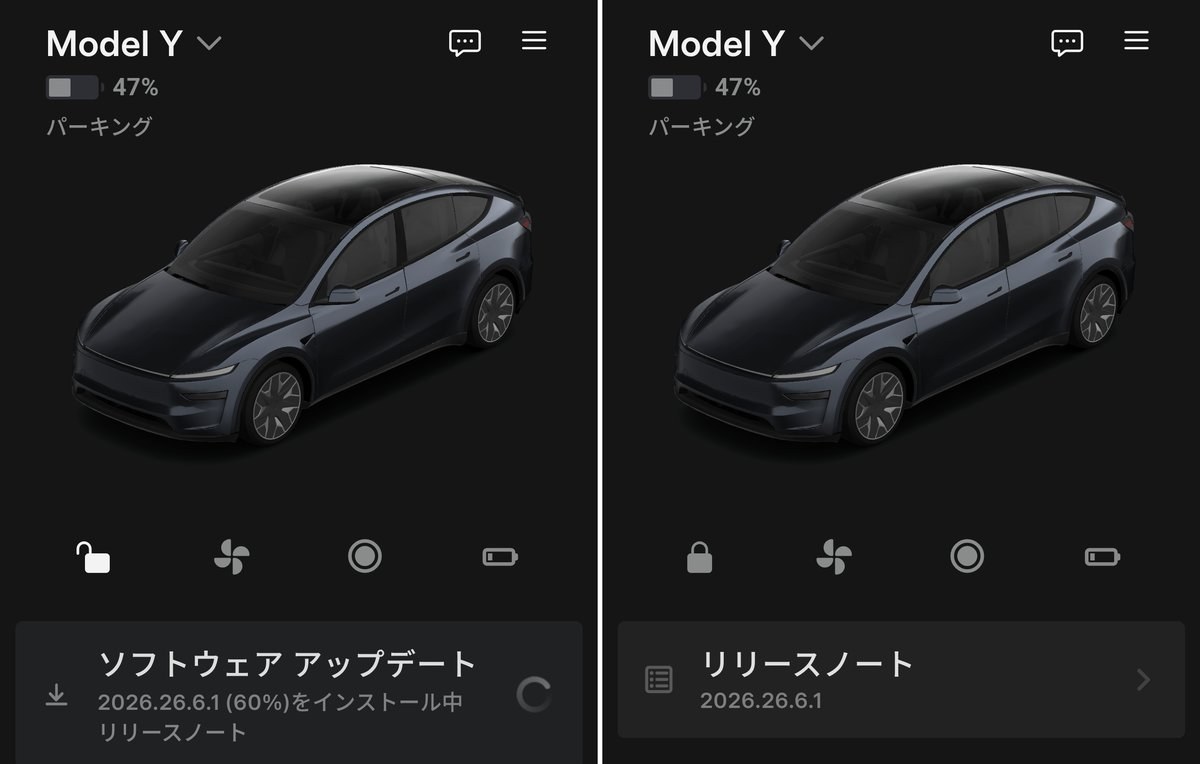
The screens (in Japanese) read: Installing 2026.26.6.1 (60%) on the left, then Release Notes 2026.26.6.1 on the right.
New Features in Tesla Software Update 2026.26.6.1
2026.26.6.1 on its own is a minor fix. The real content is the 2026 Summer Update (2026.26.6), and the release notes had a long list of new features. You can also find them on Tesla’s software updates page.
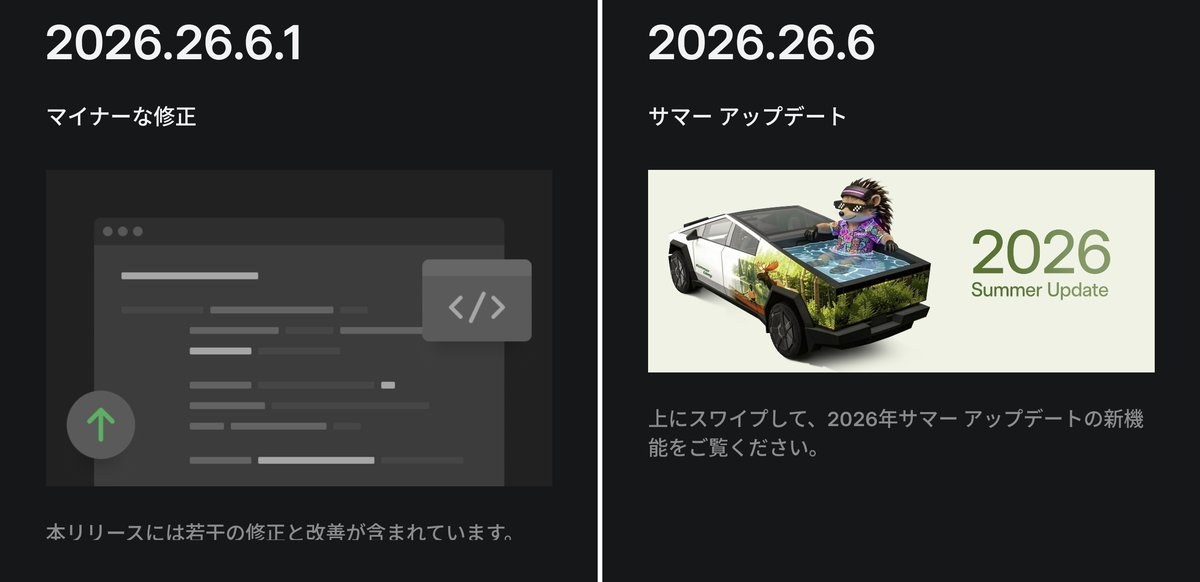
The screens (in Japanese) read: 2026.26.6.1 minor fixes, plus the 2026.26.6 Summer Update. Swipe up to see what’s new.
Grok Commands, Plus Caraoke With Scoring
Grok can now make phone calls, play music, adjust the climate, plus search the controls.
Caraoke now scores your singing while parked. Passengers can scan a QR code with their phone to add songs to the queue.
Both need Premium Connectivity (Grok also works on Wi-Fi).
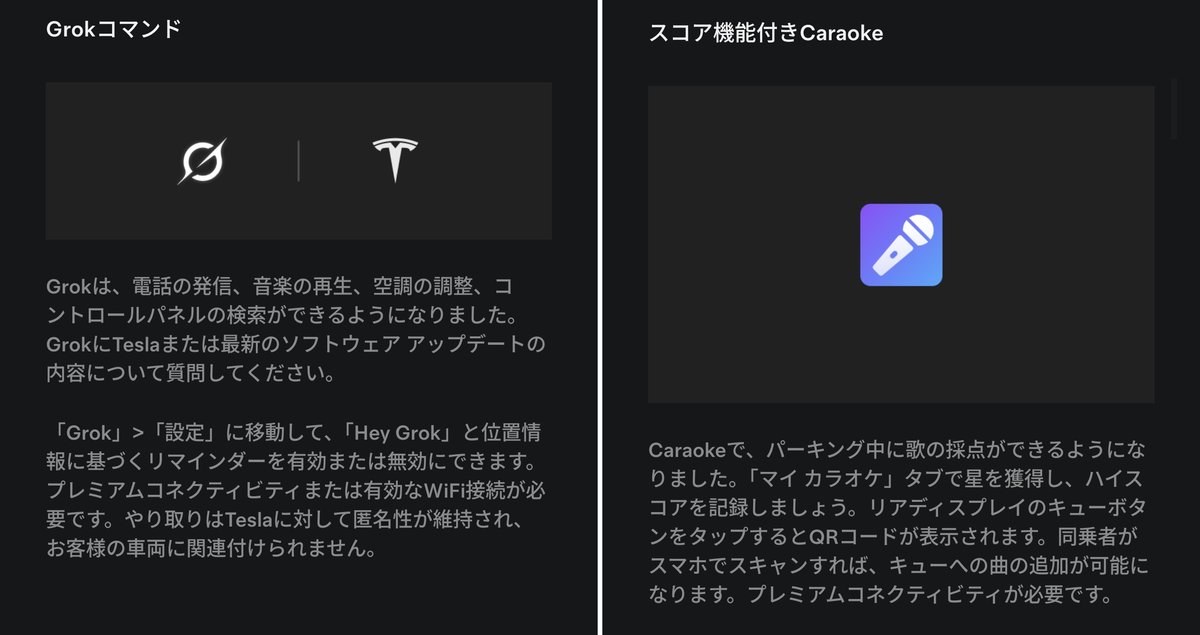
The screens (in Japanese) describe Grok voice commands, plus Caraoke scoring with a QR code queue for passengers.
Welcome Animation, Plus Custom Wraps
A welcome animation now plays when the car starts up.
Custom Wraps let you design a wrap from a photo on your phone, then send it straight to the car.
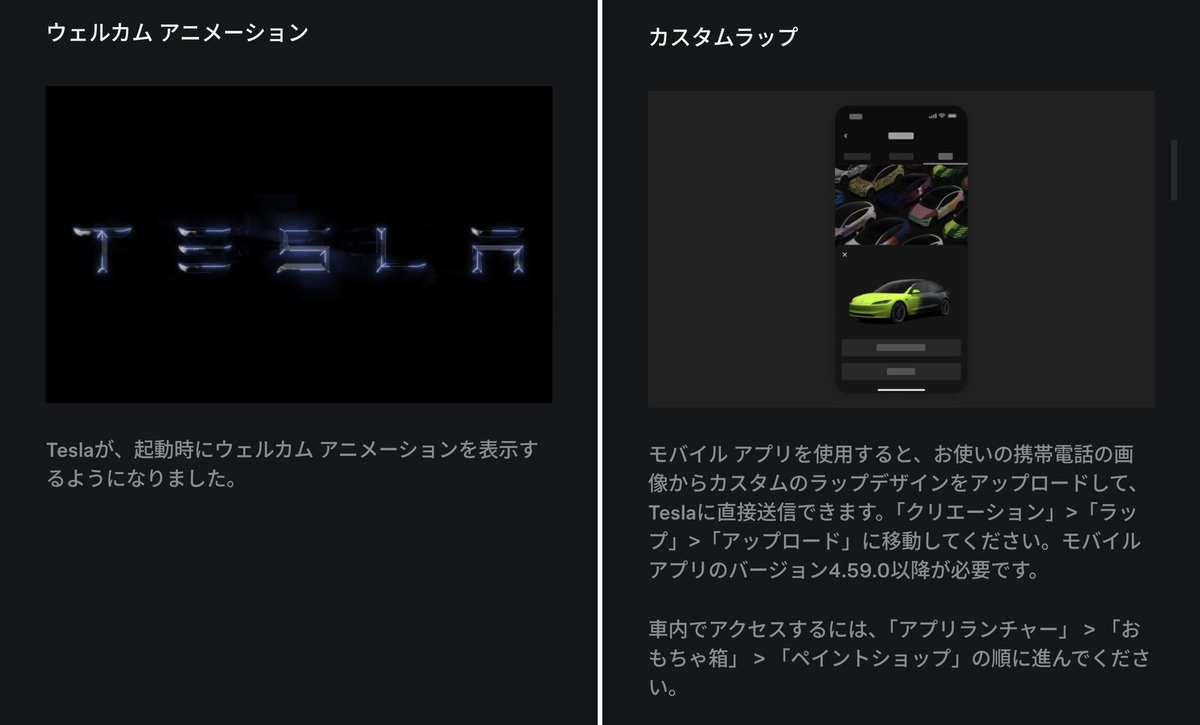
The screens (in Japanese) describe the startup welcome animation, plus uploading a custom wrap design from the mobile app.
Automatic Navigation, Plus Camera Preview
Automatic Navigation now suggests places you visit regularly, not just home, work, or calendar events.
Camera Preview can now be opened at any time, even when you’re not in Park.
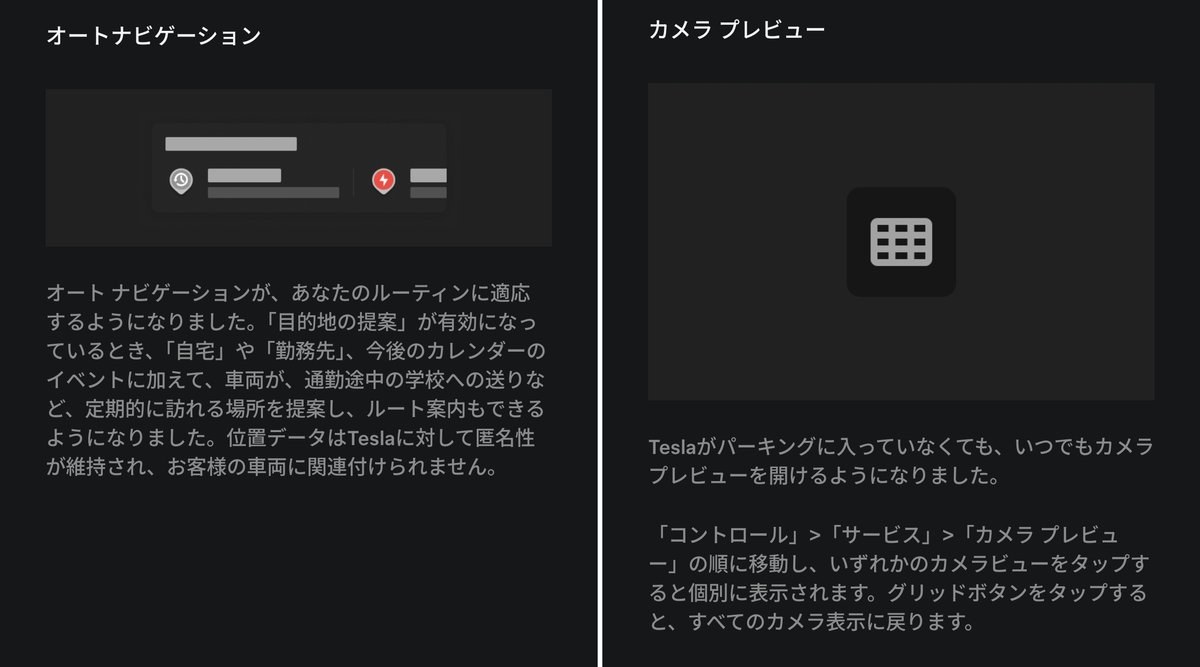
The screens (in Japanese) read: Automatic Navigation now adapts to your routine. Camera Preview can now be opened at any time.
Apple Music, Plus Driving Visualization
Apple Music now lets you add songs to the queue straight from search results.
Driving Visualization lets you pick your own zoom level for the driving screen.
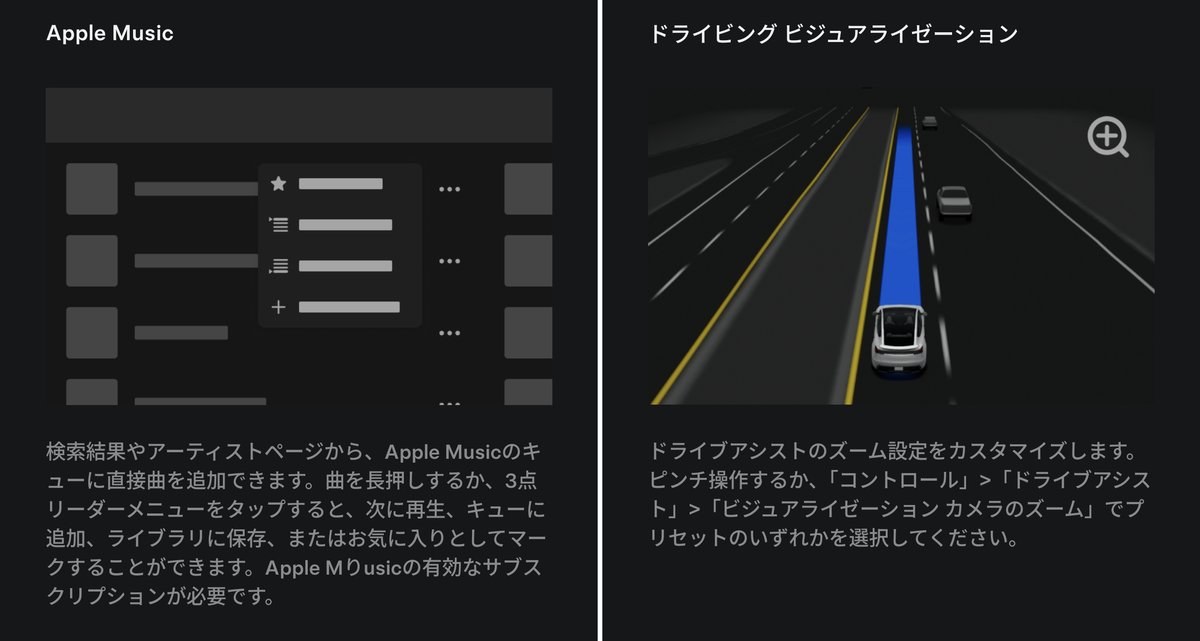
The screens (in Japanese) read: Add songs directly to the Apple Music queue. Customize the zoom setting for the driving visualization.
Rear Display Lock, Plus Web Browser Access
You can now lock the rear touchscreen controls from the center display.
The web browser can now use the cabin camera plus the in-car microphone. The camera only works while parked.
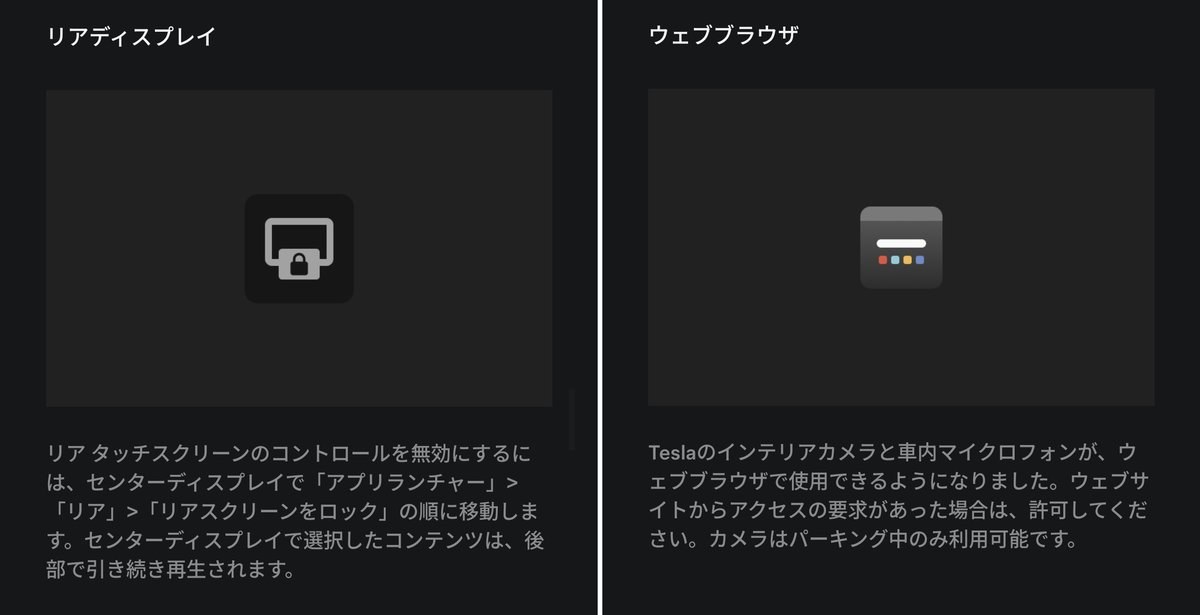
The screens (in Japanese) describe locking the rear screen, plus camera access for websites in the browser.
Supercharger Search, Plus Security Fixes
When searching for a destination, you can now find Superchargers by name. The rest is security fixes.
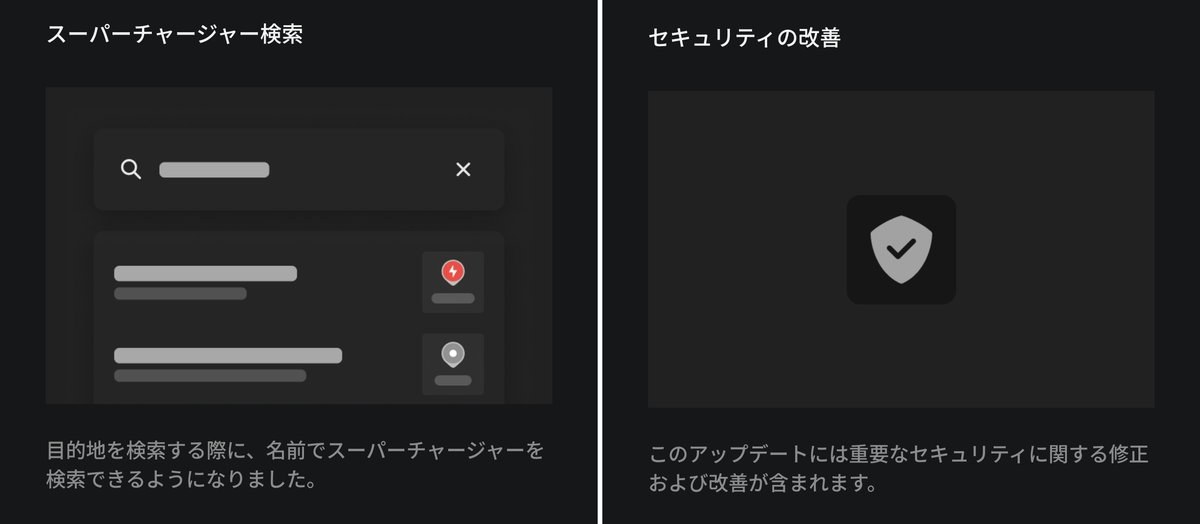
The screens (in Japanese) read: Search for Superchargers by name. This update includes important security fixes.
What Changed on the Car Screen
Once the install finished, I went through the settings looking for NEW badges.
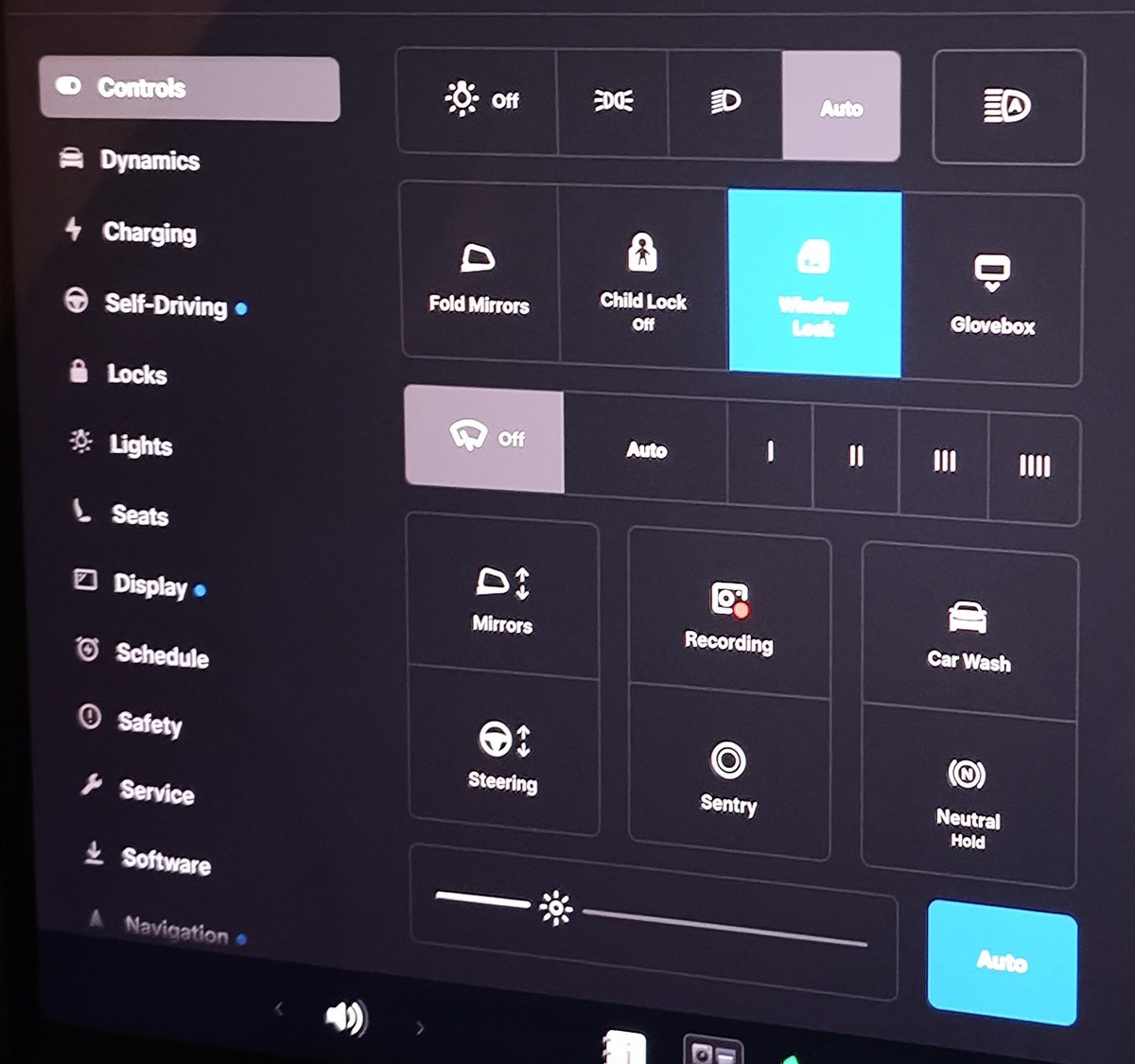
Pick Your Own Driving Screen Zoom
Self-Driving settings now have a Visualization Camera Zoom option.
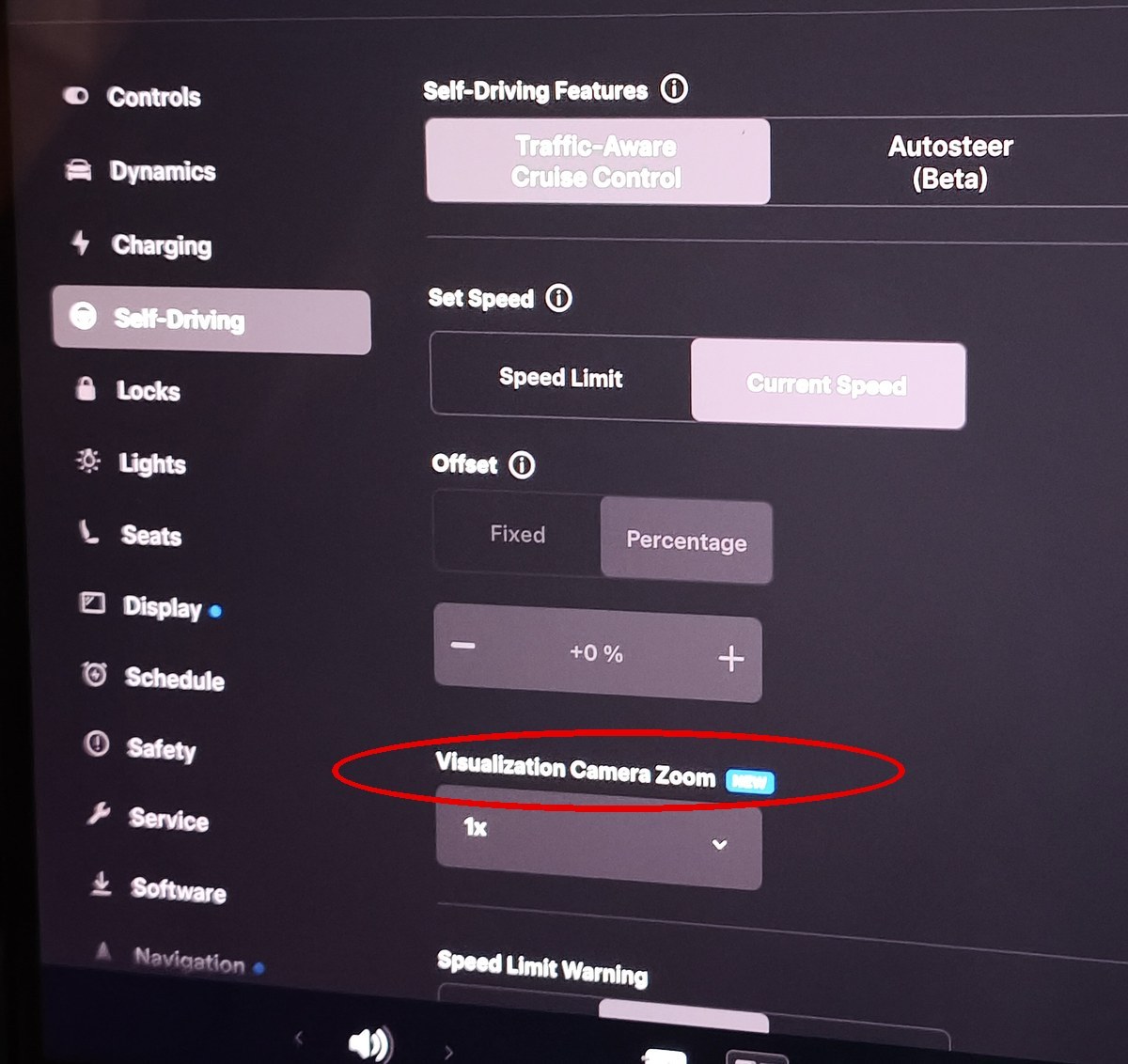
It started at 1x. The drop-down let me switch it to 2x.
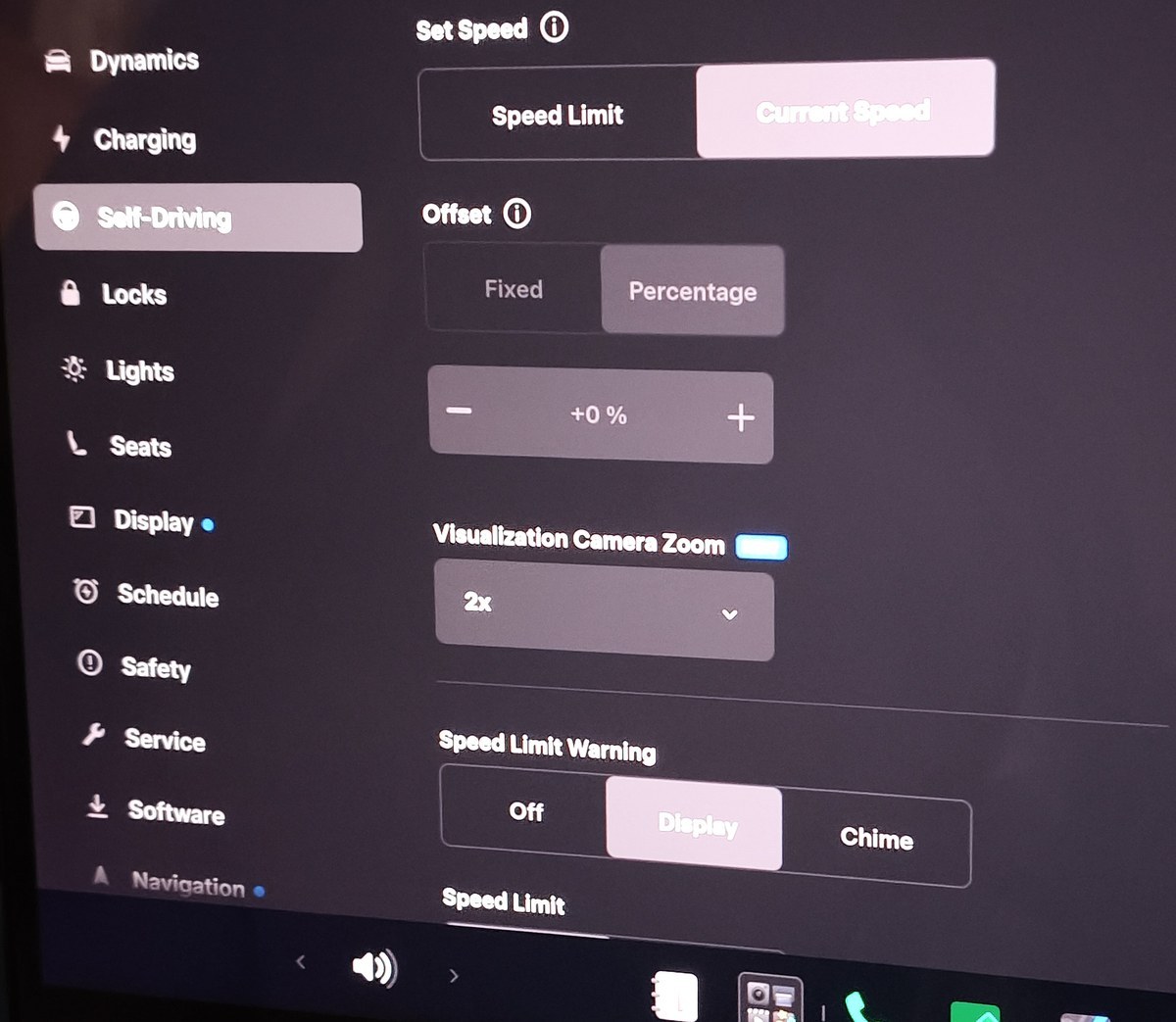
The previous update made the screen zoom out automatically during lane changes. Now you also get to choose the everyday zoom yourself.
I covered that change in the lane change zoom-out post.
Welcome Animation, Plus Automatic Navigation Toggles
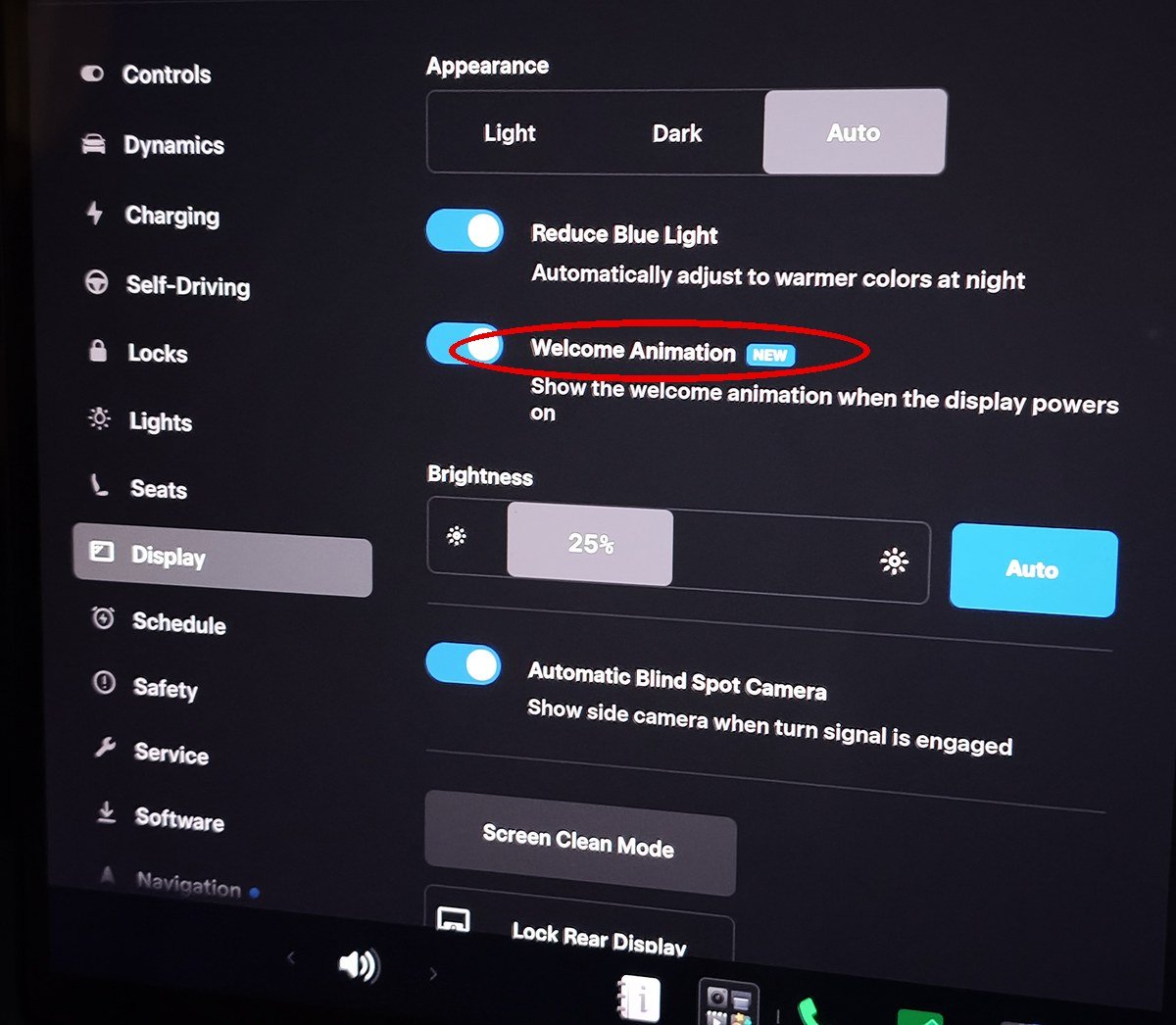
Display settings now have Welcome Animation with a NEW badge, already switched on.
Navigation settings got Automatic Navigation. It routes you home, to work, or to your next calendar event on its own.
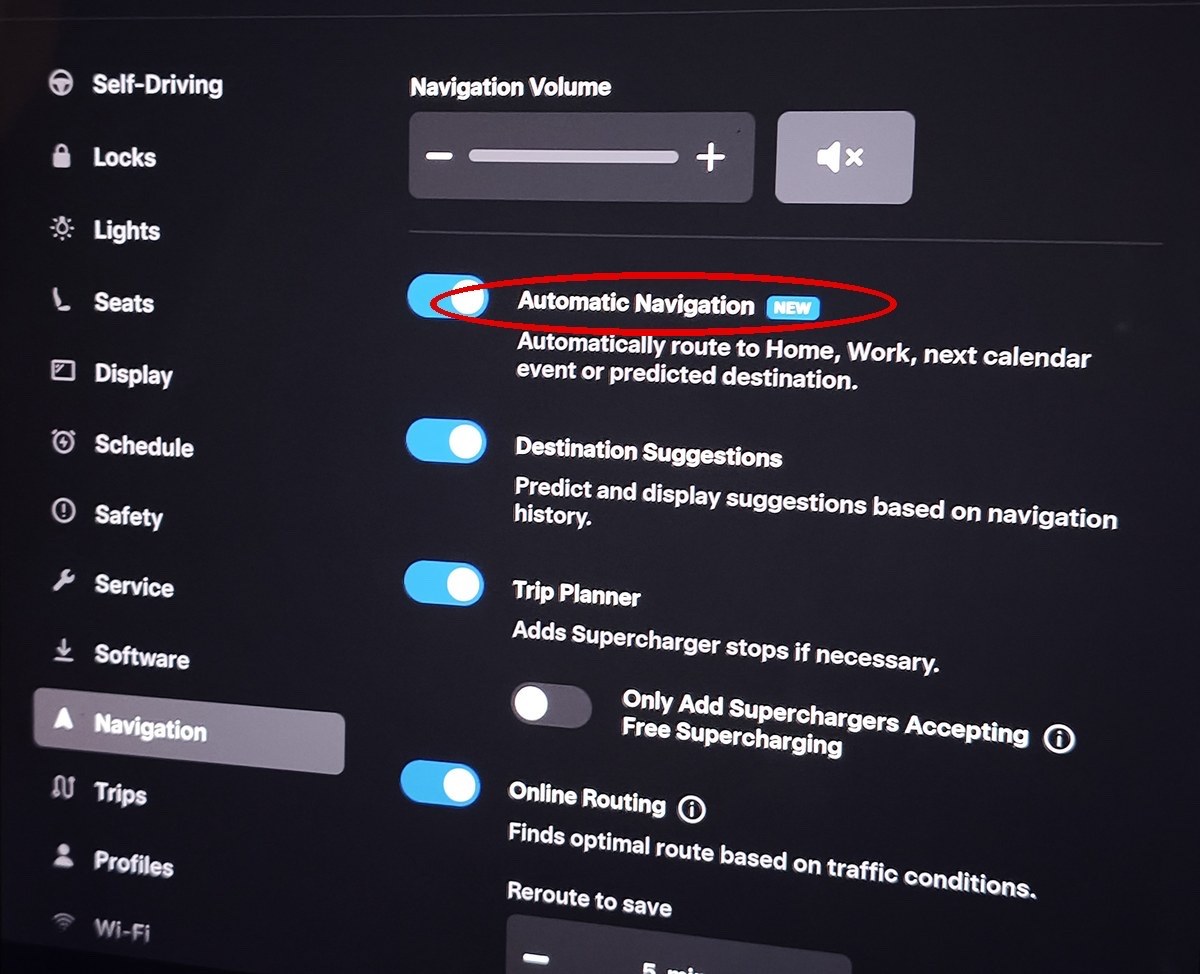
It even learns the places you go regularly, so if you have a secret detour in your routine, this might be a slightly dangerous feature.
Caraoke Needs Premium Connectivity
Caraoke was sitting in the app launcher, so I opened it right away.
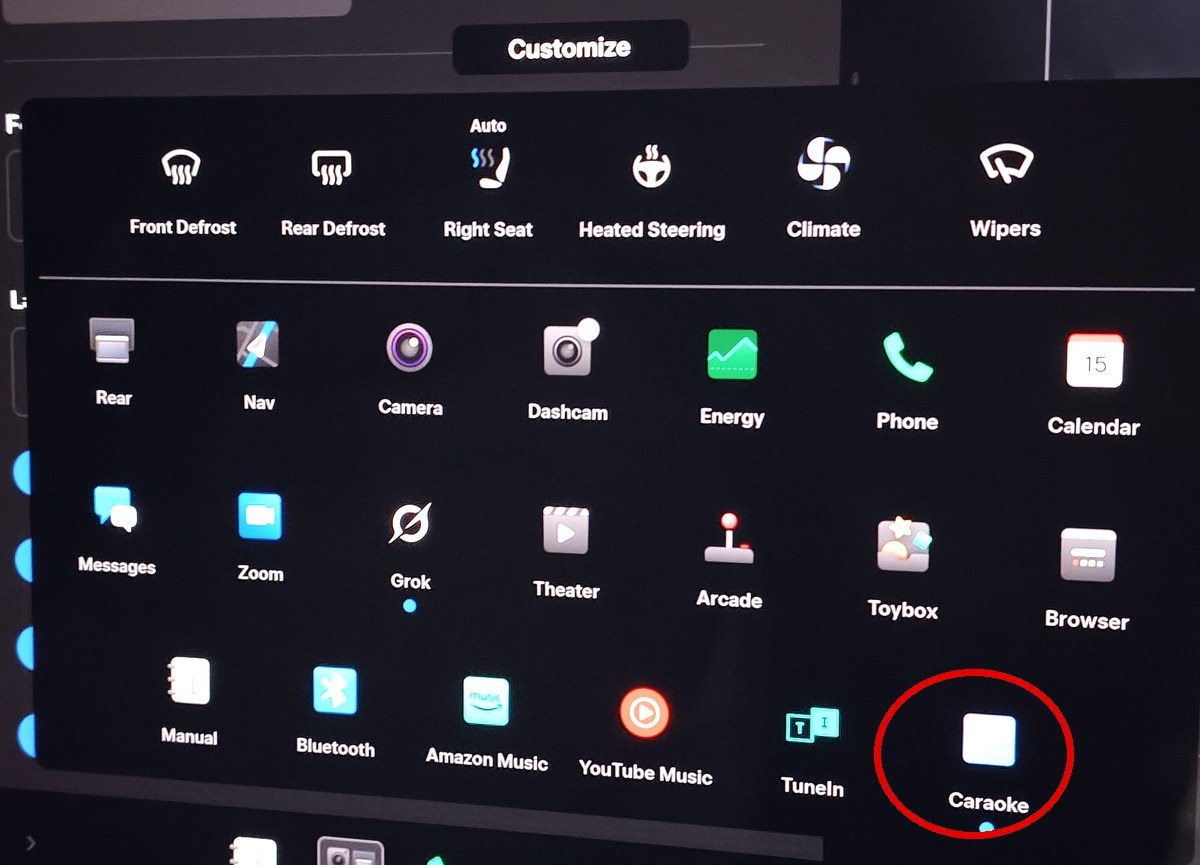
What I got was “Premium Connectivity required.” I don’t pay for it, so that was the end of that.
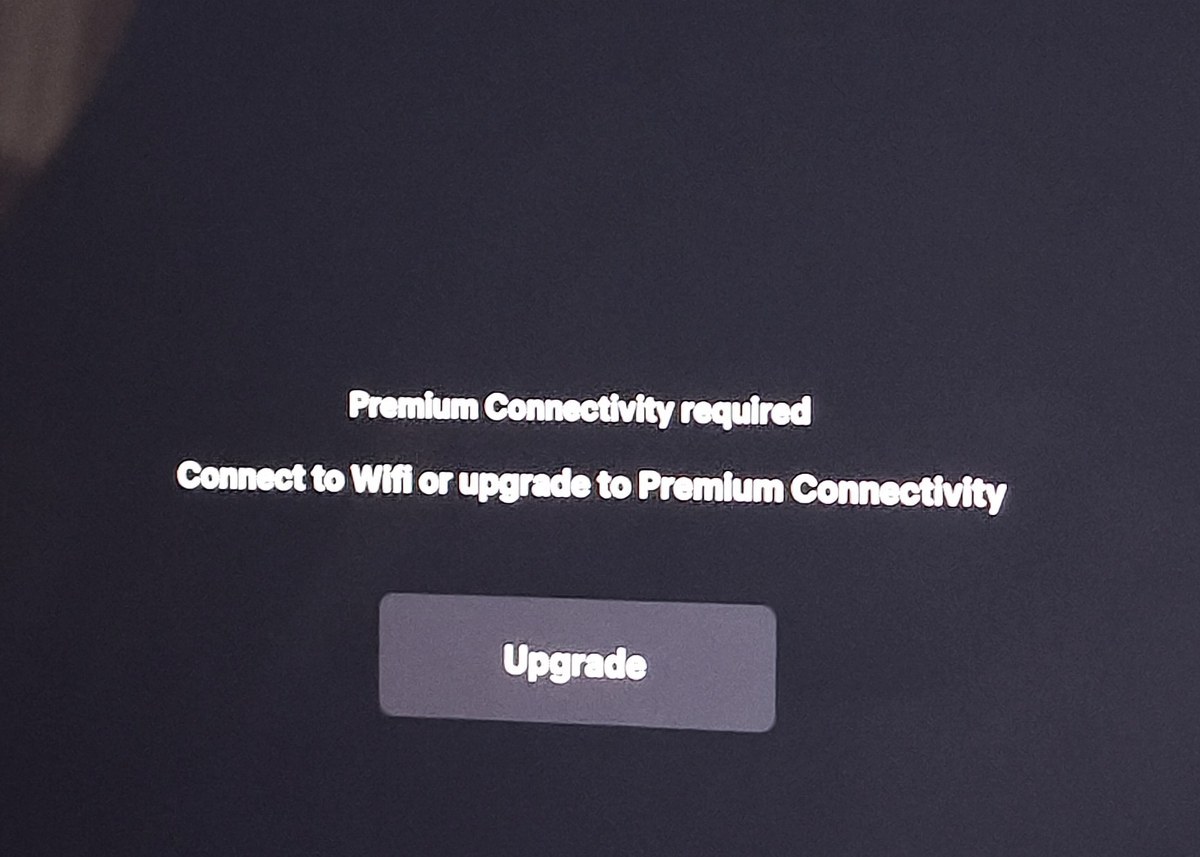
The screen says you can connect to Wi-Fi as an alternative to upgrading. But it stayed on this screen even within range of my home Wi-Fi, so Wi-Fi alone may not be enough.
Wrap-Up
For 2026.26.6.1, the download over phone tethering took about 40 minutes. The install estimate was 40 minutes. It was already done when I checked 50 minutes after it started.
The download was finished by the time I got home, so I could start the install right away. The trade-off: I used about 5 GB of mobile data that day.
This post only covers getting the update installed. If anything comes up once I start using the new features, I’ll probably write about it.




This article is also available in Japanese.