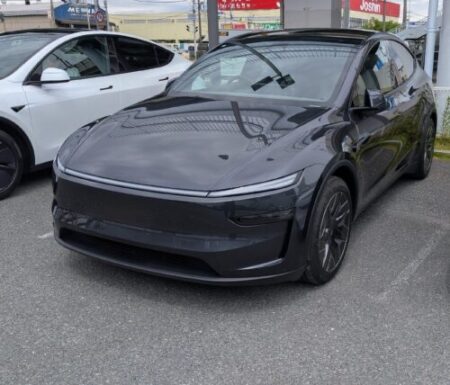
The moment I flicked the turn signal, the screen pulled back on its own—
My first reaction was “huh?” Then it clicked: this is the lane change zoom out feature that arrived with the recent OTA update.
I noticed it on my first highway drive after installing the first OTA update (2026.20.3) on my Tesla Model YL.
I caught it on video, so here is a closer look at how it behaves.
The New Lane Change Zoom Out Feature
The release notes for 2026.20.3 listed an item called “Visual Updates.”
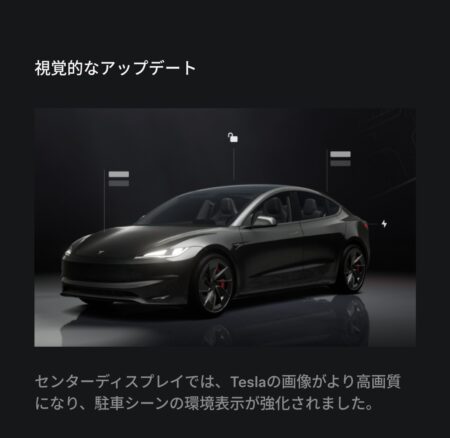
The release note (shown in Japanese on my car) describes the “Visual Updates” item.
Honestly, right after the install I had no idea what had actually changed.
This turned out to be one of the answers. Flick the turn signal, the visualization zooms out automatically, giving you a wider view of everything around the car.
Here is the real thing (16 seconds, no audio — the on-screen captions are in English):
What to Watch: Signal On, Zoom Out, Auto Reset
Step by step.
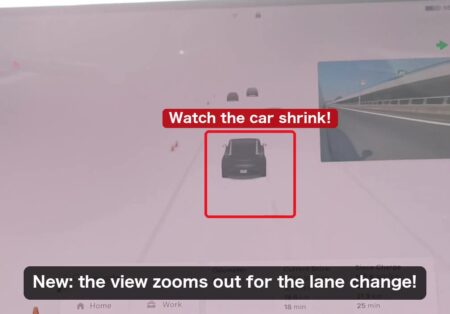
First, the moment the signal goes on. The indicator appears at the top right of the screen, the view starts pulling back at the same time.
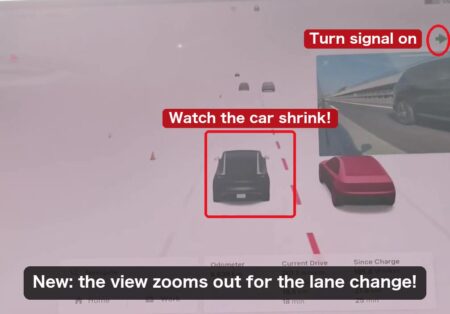
Here it is fully zoomed out. The red frame shows the car’s original size before the zoom. The car has shrunk within the frame — which means the adjacent lanes, plus traffic behind, now fit on screen.
Then, once the lane change is done, the signal cancels itself — the zoom glides back to normal too.
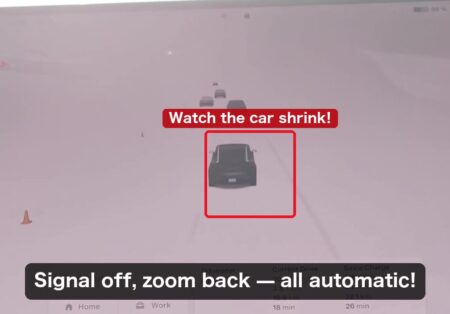
Self-canceling signals are nothing new. What is new is the zoom riding along with them, out then back, all on its own. The driver touches nothing.
The Rendering Got Sharper Too
The other change you notice immediately: the visualization is much more detailed now.
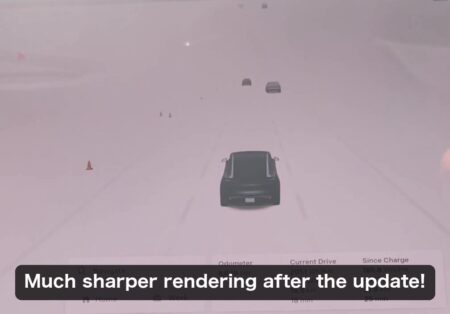
Surrounding cars get proper mirrors, wheel designs, recognizable body shapes. Road cones are crisp too.
A quick glance at the screen during a lane change now tells you a lot. Subtle, but it earns its keep every single day.
Final Thoughts
Signal on, the view widens; lane change done, everything resets. A small change on paper, but tying the lane change zoom out to the turn signal — showing you more exactly when you need it — is a genuinely clever piece of design.
Little touches like this make it obvious the people building Tesla’s software actually drive these cars.
Nothing flashy, yet it works for you every day. A 55-minute install that quietly makes the car better — that is what keeps Tesla ownership fun. Looking forward to the next update!
This article is also available in Japanese.