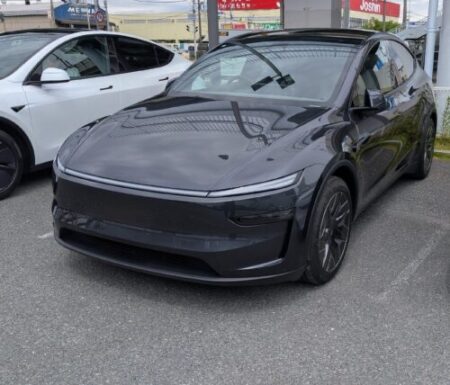
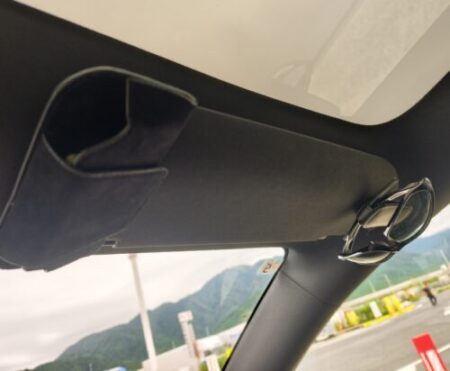
Just under two months after delivery, my first Tesla OTA update finally landed on my Model YL — something I had been looking forward to since day one.
Most cars are “finished” the moment you buy them. Tesla flips that idea on its head: the car keeps evolving through software.
The version: 2026.20.3. Honestly, I was surprised by how many features landed at once. Here is how the whole thing went.
The update notice is a tiny yellow arrow on the screen
The in-car notification is very subtle — just a small yellow down arrow at the top of the screen. That is the whole announcement.
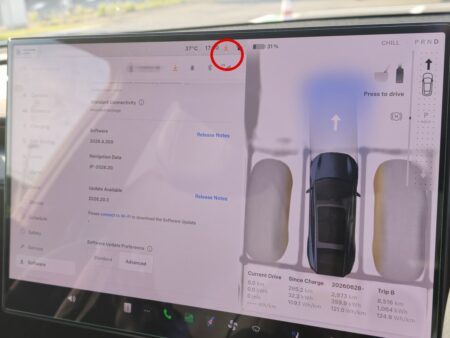
Open the Software screen, though, and there it is: version 2026.20.3 available, next to the 2026.8.300 build the car shipped with, with a prompt to connect to Wi-Fi for the download.
The download took about 90 minutes over home Wi-Fi
The data downloads automatically while the car sits parked on your home Wi-Fi.
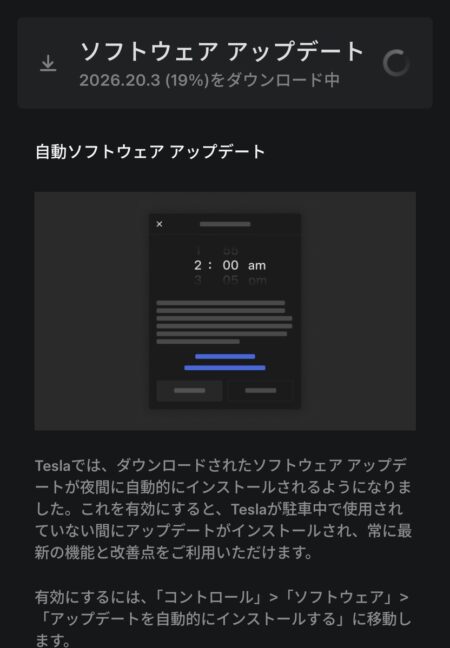
The app screen (in Japanese) reads: “Downloading 2026.20.3 (19%)”, followed by an explanation of the automatic software update setting.
That said, it felt slow — roughly an hour and a half. My guess is the servers were busy right after the rollout hit everyone at once.
One quirk: you cannot install while charging at a Supercharger. The app told me to unplug first. If you are curious how Tesla describes the process, their official software updates page covers the basics.
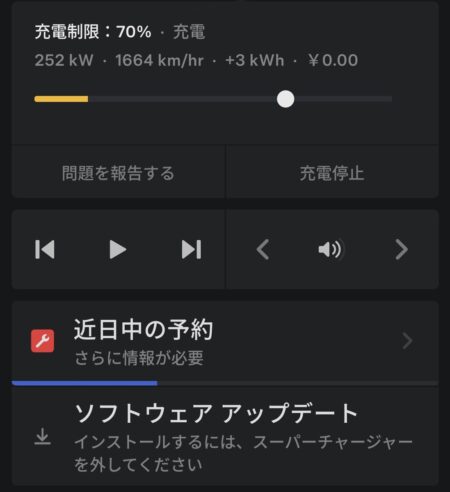
The blue banner at the bottom reads: “Software update — unplug from the Supercharger to install.”
The install really did take about 55 minutes
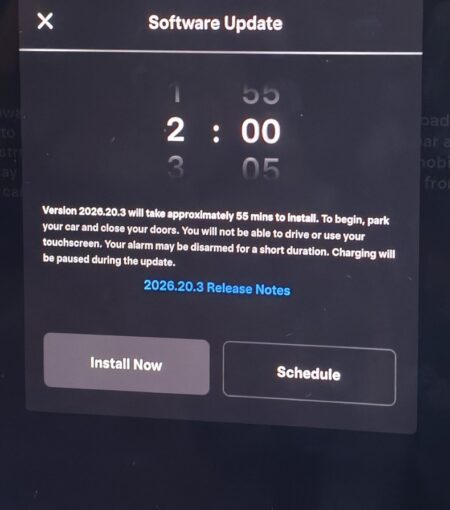
Once the download finishes, the car shows a scheduling screen. Estimated time: about 55 minutes. While it runs you cannot drive, the touchscreen is off, charging pauses.
The app asks you too.
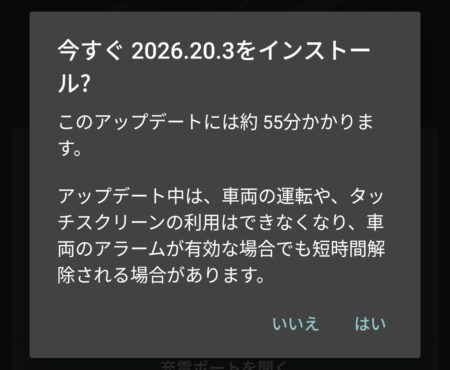
The dialog (in Japanese) asks: “Install 2026.20.3 now?” — noting the roughly 55-minute duration, with driving disabled during the install.
It was close to bedtime, but I could not wait, so I hit install right away. A countdown appears before it starts — you can still leave the car, even cancel, during this window.
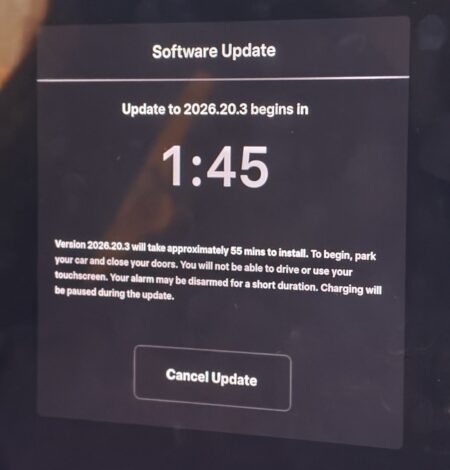
And it wrapped up almost exactly on schedule, in about 55 minutes. I stayed up to watch it finish, which made for a sleepy morning.
What the Tesla OTA update 2026.20.3 added
I will keep this to a quick rundown of feature names, but the release notes list more than ten major items. For a first update, that volume blew me away.
Since my car jumped all the way from 2026.8.300, features rolled out in the interim 2026.14.3 builds came bundled in as well.
Hey Grok (the xAI voice assistant)
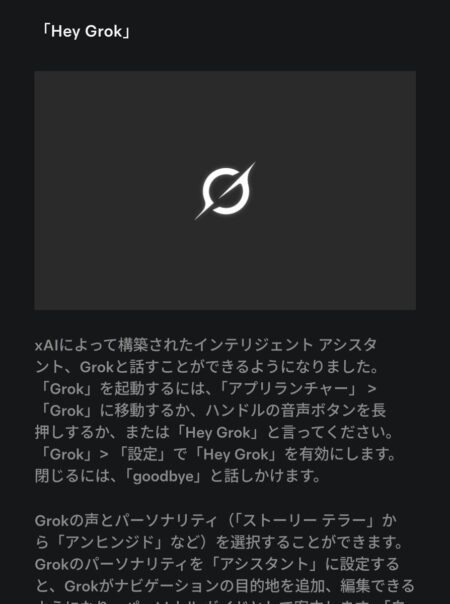
The release note (in Japanese) explains you can talk to Grok via the app launcher, the steering-wheel voice button, or by saying “Hey Grok”, with selectable voice personalities.
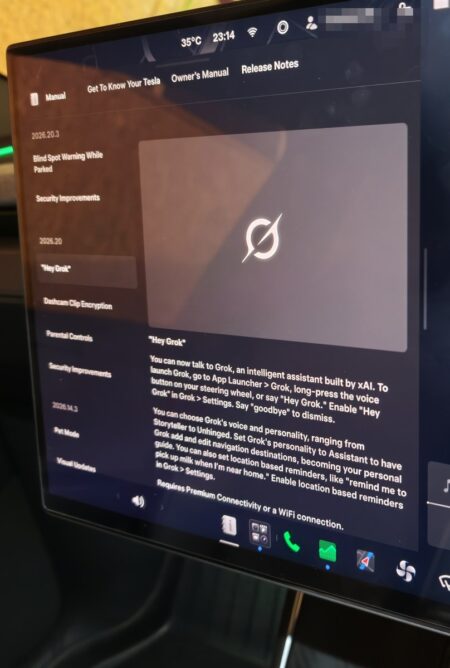
Right after the update, the car screen was already showing a Grok introduction.
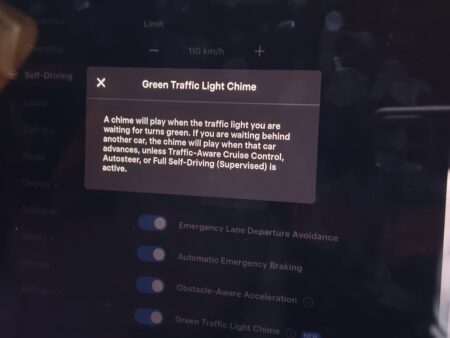
Green Traffic Light Chime
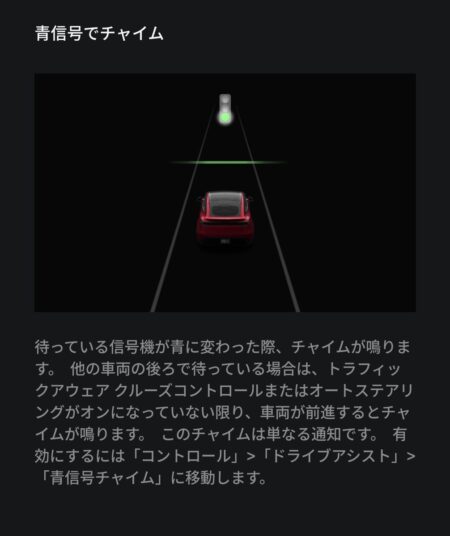
The release note (in Japanese) says a chime plays when the light you are waiting at turns green — also when the car ahead moves off.
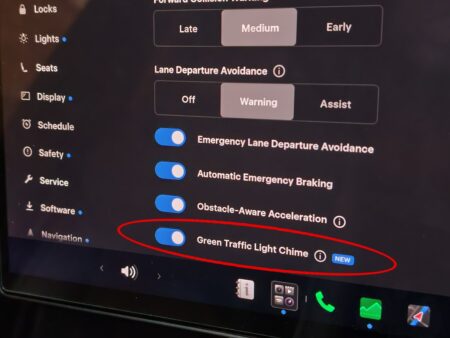
The settings screen now has the toggle, complete with a NEW badge (circled in red).
Drive Stats
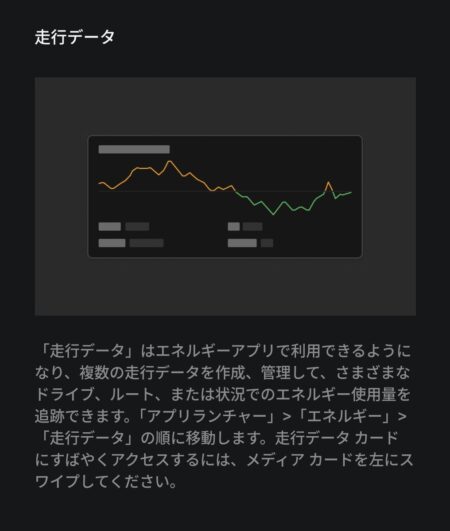
The note (in Japanese) says you can now create multiple drive-stat profiles in the Energy app to track consumption across different routes.
Sketchpad
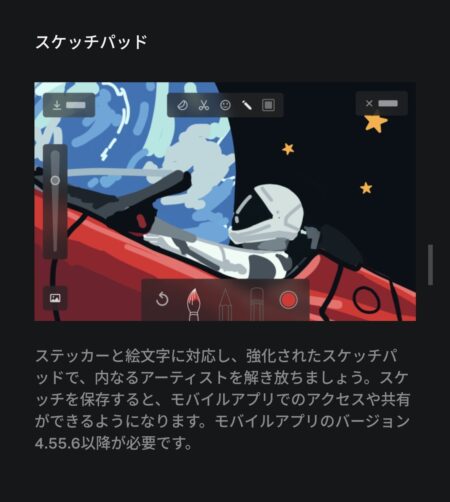
The note (in Japanese) covers sticker support, emoji support, plus saving sketches to the mobile app (version 4.55.6 or later).
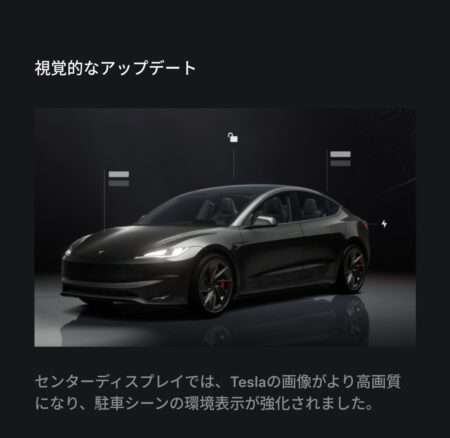
Visual updates (sharper vehicle graphics, richer parking-scene rendering)
Pet Mode
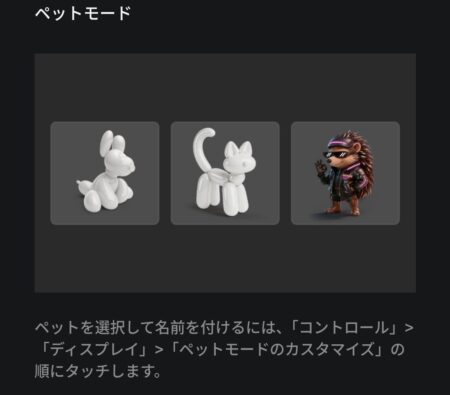
The note (in Japanese) shows you can pick a pet character — two dogs plus a leather-jacketed hedgehog — under Controls, Display, Customize Pet Mode.
Parental Controls
The note (in Japanese) says you can block the browser, Theater, plus Arcade while parked, from the Safety settings.
Security improvements
A standard note (in Japanese) saying the update includes important security fixes.
Rear Display navigation (rear passengers can view the map)
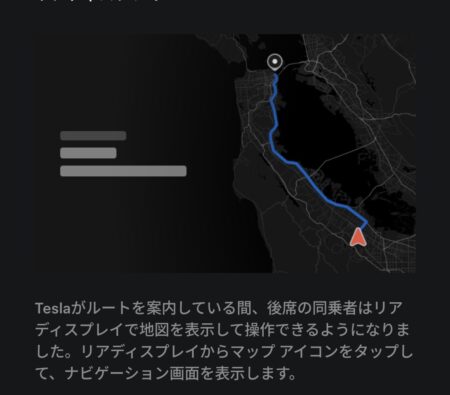
The note (in Japanese) says rear passengers can display the route map on the rear screen while navigation is active.
Blind Spot Warning While Parked
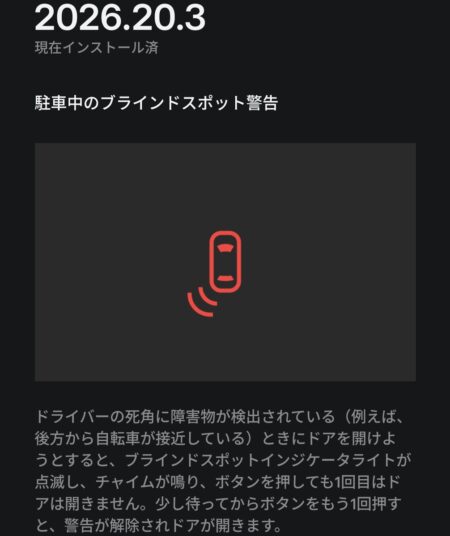
The note (in Japanese) explains the door briefly holds shut, with a flashing indicator plus a chime, if something like a cyclist is approaching your blind spot.
There was one more change I loved: when you signal a lane change, the camera view now zooms out slightly so you can see more. I caught it on video, so that will get its own article.
Final thoughts
Fifty-five minutes of waiting, and the car comes back feeling meaningfully different from the day it was delivered. That is the Tesla OTA update experience everyone raves about, now confirmed firsthand.
The only notice is that small yellow arrow, so keep an eye out. Let the download run on home Wi-Fi, then pick a relaxed evening for the install — though I clearly failed at the “relaxed” part by staying up to watch it.
Grok, Pet Mode, the rest of the list — I will be putting them through their paces on my Model YL, with follow-up articles on the keepers. Already looking forward to the next update.
First keeper written up: the screen that widens itself during a lane change, which turned out to be one of the unexplained Visual Updates items.
This article is also available in Japanese.