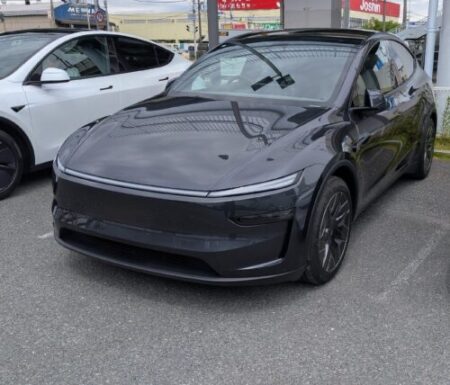
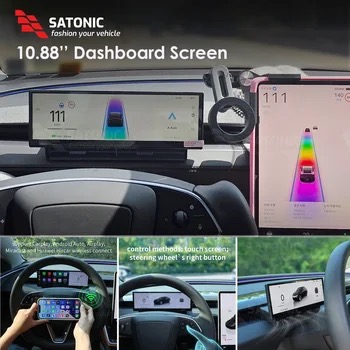
I have a 10.88-inch AliExpress dashboard display fitted behind the steering wheel of my Model YL.
My earlier posts covered the speed and battery readouts plus Android Auto, but I hadn’t yet tried screen mirroring, which shows your phone’s screen exactly as it is.
When I did, it handled YouTube without trouble. I also tried hooking up an AI box I’d bought for our ATTO 3. Here’s how far I got with dashboard display mirroring on the Model YL.
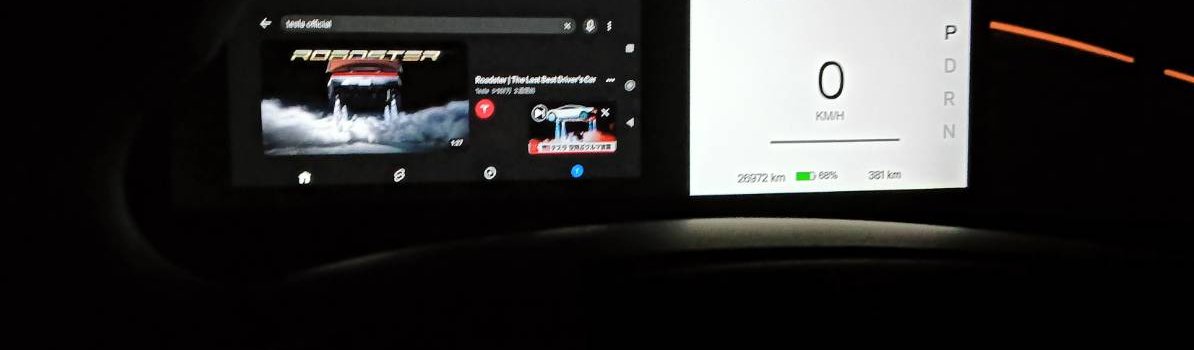
The dashboard display’s app screen
The app screen on the dashboard display has a row of icons: Miracast, CarPlay, A-Auto (Android Auto) and others.
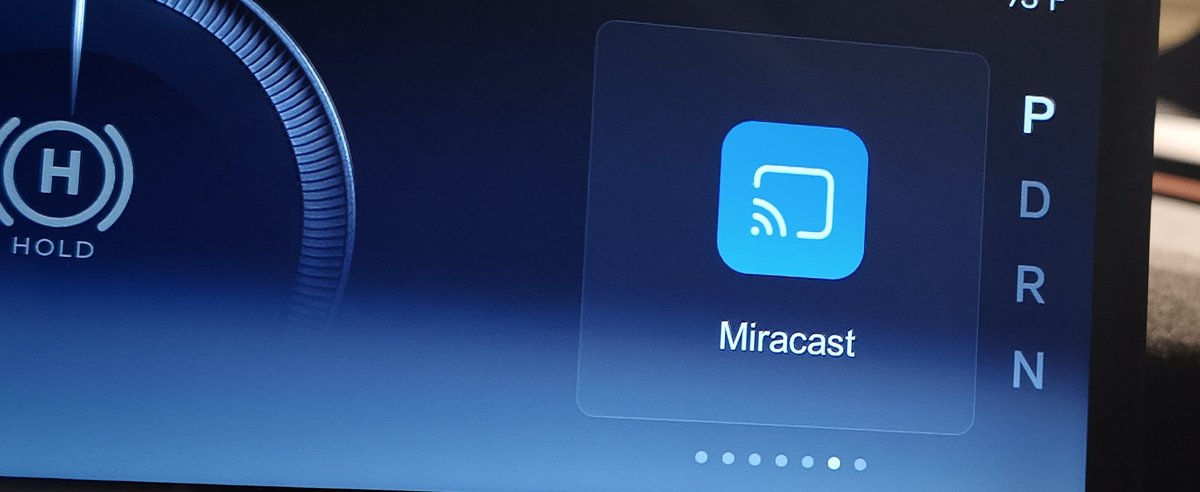
To show an Android phone’s screen, you use Miracast.
There’s an AirPlay icon too, but I don’t have an iPhone, so I haven’t been able to try it.
Dashboard display mirroring from Android even played YouTube
Pick “lylink” from your phone’s cast menu
Open Miracast and the display shows connection instructions.
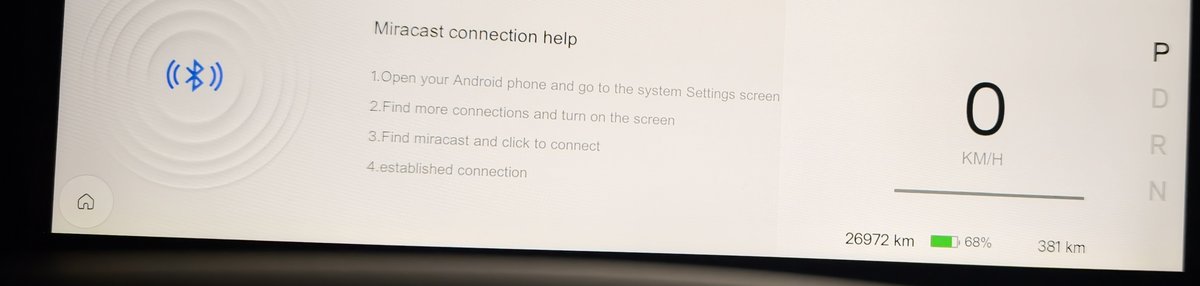
Open the cast menu on your phone, and a name starting with “lylink_” appears in the device list. Select that.
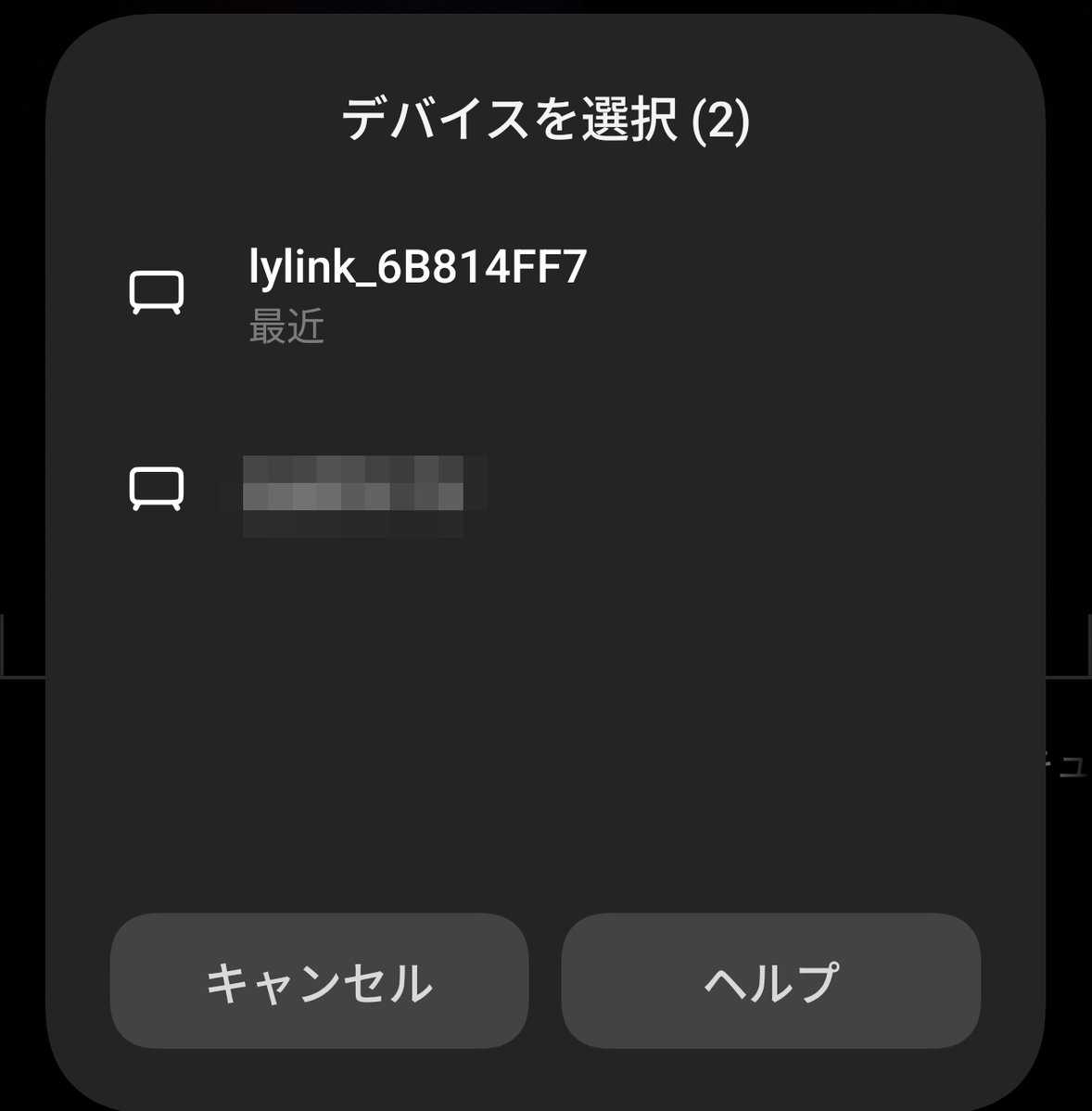
My phone’s cast menu is in Japanese. It reads “Select device”, with lylink in the list.
The first time, it connected and then dropped out for no obvious reason, and I assumed it just didn’t work.
But when I went through the same steps again, it connected. I didn’t realise that at first, so it’s worth not giving up after one try.
Once connected, your phone screen appears on the left side of the display. The speed readout on the right stays where it is.
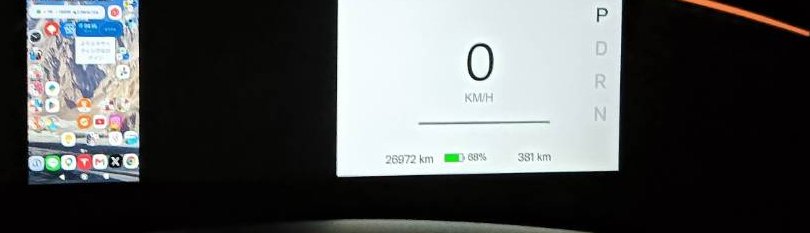
My phone’s language is Japanese, so the mirrored screen is too.
YouTube plays in landscape
Open YouTube, rotate to landscape, and the video fills the whole left side.
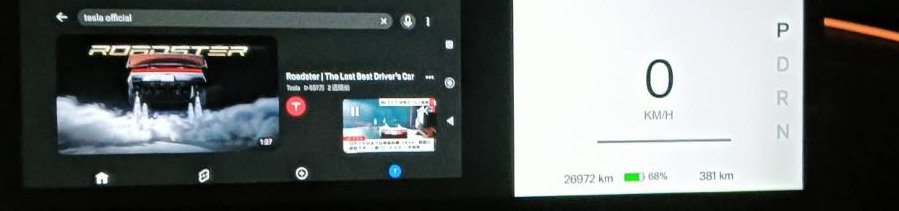
Honestly, I didn’t expect it to work this smoothly.
Of course, it’s not something to stare at while driving. I’d use it while parked or waiting for the car to charge.
No phone tethering while mirroring
Mirroring uses the Wi-Fi connection, so you can’t run a Wi-Fi hotspot from your phone at the same time.
If you need to tether the Model YL to your phone for internet, losing that could be a bit of a drawback. I’ve written about running a software update over a phone hotspot.
That said, I rarely need to do that, so for the way I use the car it should be fine.
I also tried the AI box from our ATTO 3
Plugged into wired CarPlay, it runs as Android
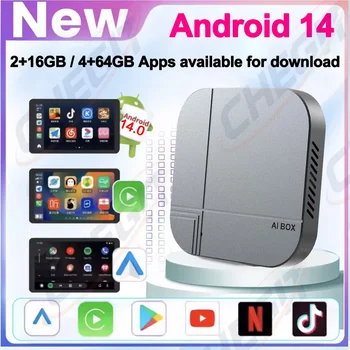
An AI box is a small unit that plugs into a wired CarPlay port and lets you run the Android OS.
I bought mine for the ATTO 3, but I also tried plugging it into the dashboard display’s CarPlay port.
It was recognised fine, and the Android screen came up.
The touchscreen couldn’t control it
The trouble was, I couldn’t control it at all with the dashboard display’s touchscreen.
On the ATTO 3’s screen, touch worked fine, so this might be a compatibility issue with the dashboard display.
With a mouse plugged into the AI box I could control it, but moving a mouse around from the driver’s seat isn’t exactly realistic.
On top of that, this AI box was sluggish even in the ATTO 3, so it’s not one I can really recommend.
Rather than going to all that trouble, I think mirroring your phone is the better option.
That said, there’s another AI box I think might work with the dashboard display, so I may buy one and try it.
Summary
With dashboard display mirroring over Miracast, I could mirror my Android phone’s screen exactly as it is, YouTube included. If it drops out the first time, try again and it connects.
You can’t tether through your phone while mirroring, so watch out if you ever need to tether the Model YL.
The AI box booted into Android over wired CarPlay, but with no touch control it was effectively unusable.
It’s not something to watch while driving, but for playing a video while you wait for the car to charge, mirroring seems more than enough.
I covered fitting the display in my install post, plus the basic readouts like speed and blind-spot alerts in what the display can do.
This isn’t the unit I have, but a similar dashboard display has come down a lot in price. When I checked on 1 November, it was under ¥40,000 (approx. $267).
For the car itself, Tesla’s Model Y page is the official reference.


This article is also available in Japanese.